Day 7: Analogous sensor

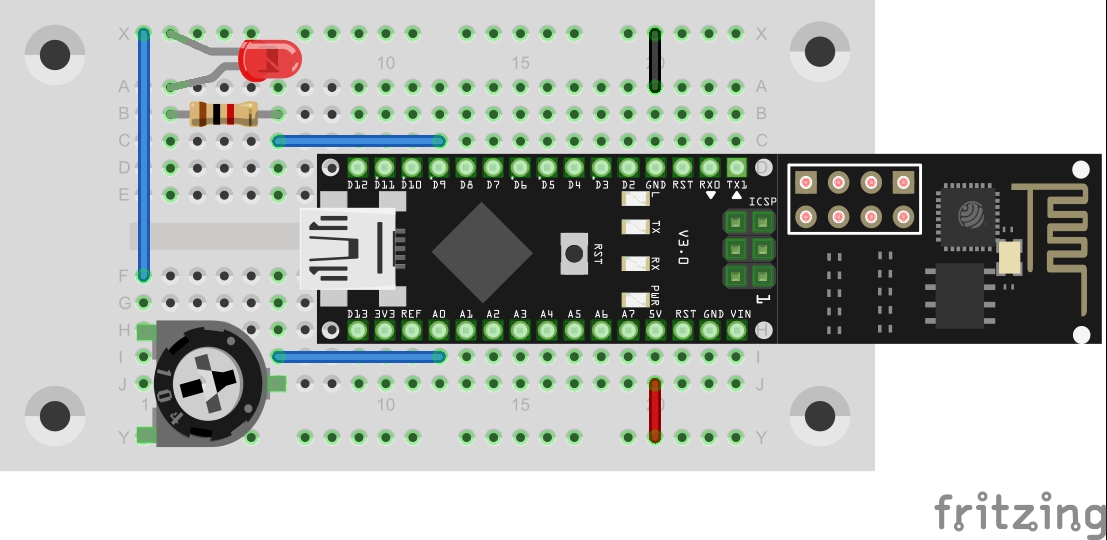
In the last project, a button was used to deal with the simplest form of a sensor. This time, a potentiometer should be used as an analogue sensor to permanently send measured values into the network. Behind the 7th door of the advent calendar, there is a potentiometer with 10 kΩ. The setup is shown in the lower figure. The setup on pin A0 The program: Day7_UDPAnalog ...

07.12.2015 · 2 min · Fabian Kainka

Day 6: UDP-Button

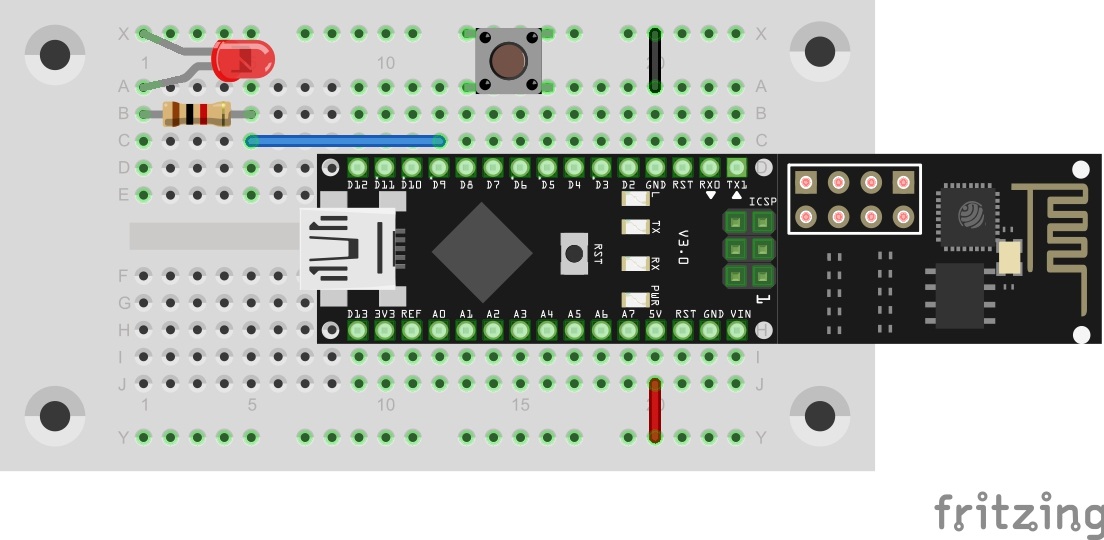
In yesterday’s program, the first commands were evaluated by the controller. Today’s program maintains this function but can also additionally send a command into the network independently. The button on pin D8 You will find a button behind today’s door. It is used as a simple sensor here. Connect it to the controller as shown in the setup image. The program: Day6_UDPSwitch ! Attention: Some MAC-Users reportet a bug in the PacketSender-Software. This bug doesn’t allow you to change the ports. If you have problems with this bug you can change the ports in the Arduino program. All you have to do for todays project is to change the line 83 from succes &= sendCom(“AT+CIPSTART="UDP","192.168.4.255",90,91”, “OK”); to succes &= sendCom(“AT+CIPSTART="UDP","192.168.4.255",5505,5506”, “OK”); ...
06.12.2015 · 1 min · Fabian Kainka

Day 4: UDP bidirectional

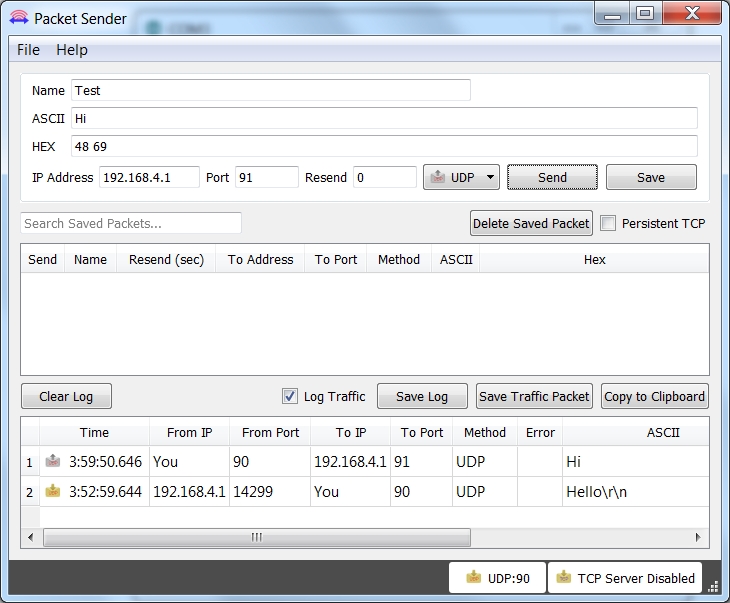
In yesterday’s project, the UDP communication was tested in one direction, i.e. from the board to the PC. In this program, the module is set so that communication in the other direction is possible as well, almost like in a chat. Behind the fourth door of the Advent calendar, there is a resistor with 1 kΩ (brown, black, red). The component is not used in today’s test yet, but should be kept for later. ...

04.12.2015 · 2 min · Fabian Kainka

Day 3: UDP-Send

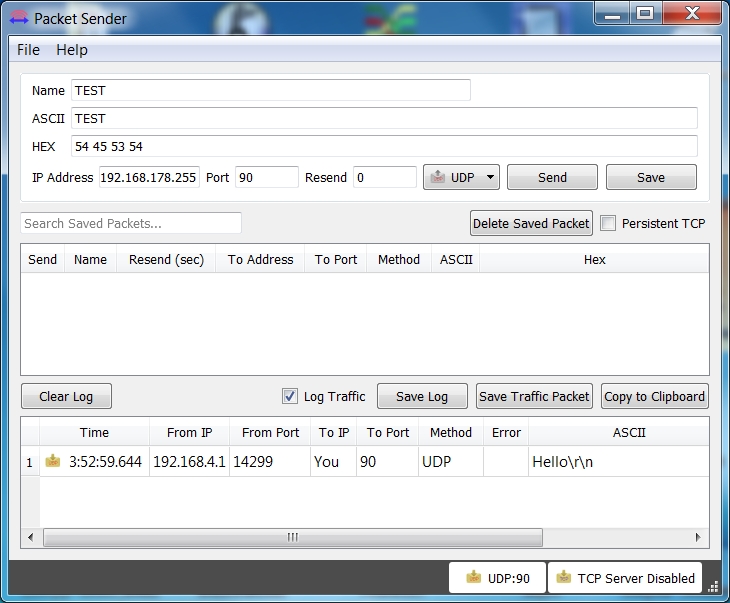
In today’s project, data are exchanged between the board and the PC through the WLAN for the first time. The prerequisite for this is that your computer has a WLAN adapter. The UDP (User Datagram Protocol) is used. Another program on the PC-side ensures successful receipt of the messages. Behind the third door of the calendar, you can find an insulated cable that you will need to build circuits. To prepare for later experiments, you can place the supply lines ground and VCC on the outer tracks. ...

03.12.2015 · 3 min · Fabian Kainka