Day 23: MQTT Climate

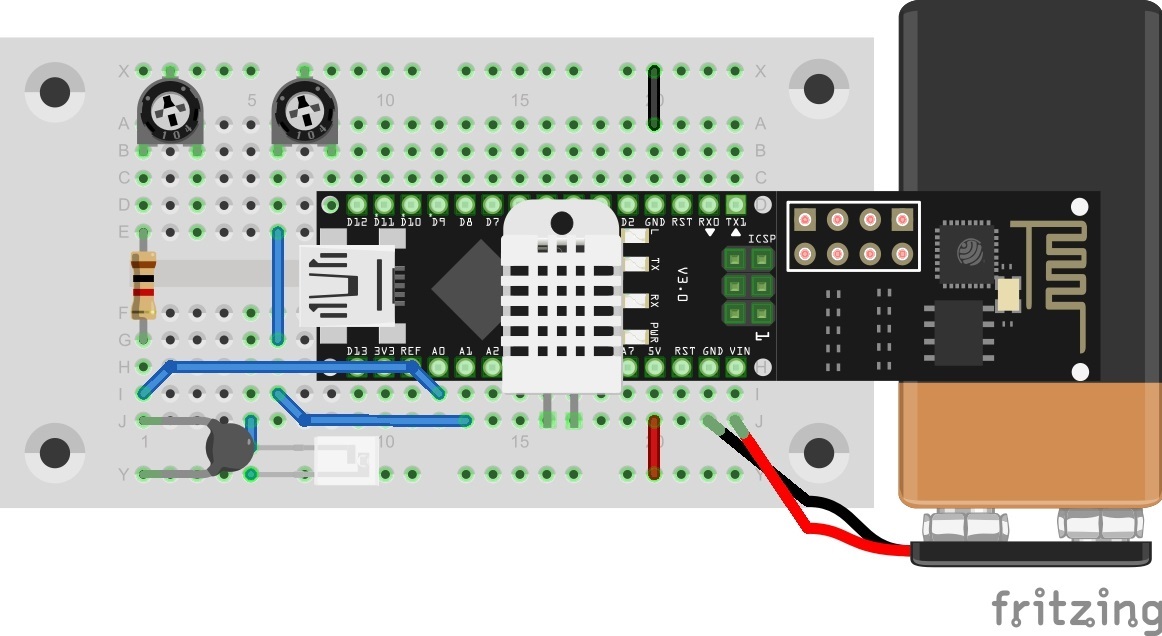
Behind the door for today is a battery clip for a 9 V block, with which you can make the entire system moveable. An alternative to a battery is a power bank (a rechargeable battery pack, normally for mobile phones). You can see in today’s layout picture how to connect a 9 V battery correctly. This is how you can connect a 9 V battery to today's layout Climate data should be captured again today. But this time they are published through the MQTT broker and are thus accessible worldwide. The data could thus be called up via a plug-in and stored in a database. ...
23.12.2016 · 5 min · Fabian Kainka

Day 18: Weather monitoring

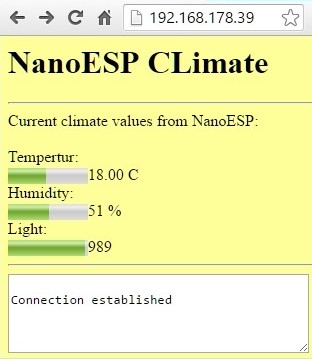
Behind today’s door is a very special component, namely a humidity sensor. Together with the phototransistor and the NTC, it creates a weather station for at-home use. The following layout is necessary for this purpose: The layout with all sensors (resistors 1 kohm) Today’s layout is a bit fiddly. Especially at the point where the potentiometer on the right of the image sits, it touches the NanoESP. But that’s not really a problem as long as the contact on the left of the image is plugged firmly into the board. ...

18.12.2016 · 4 min · Fabian Kainka

Day 12: Light monitor

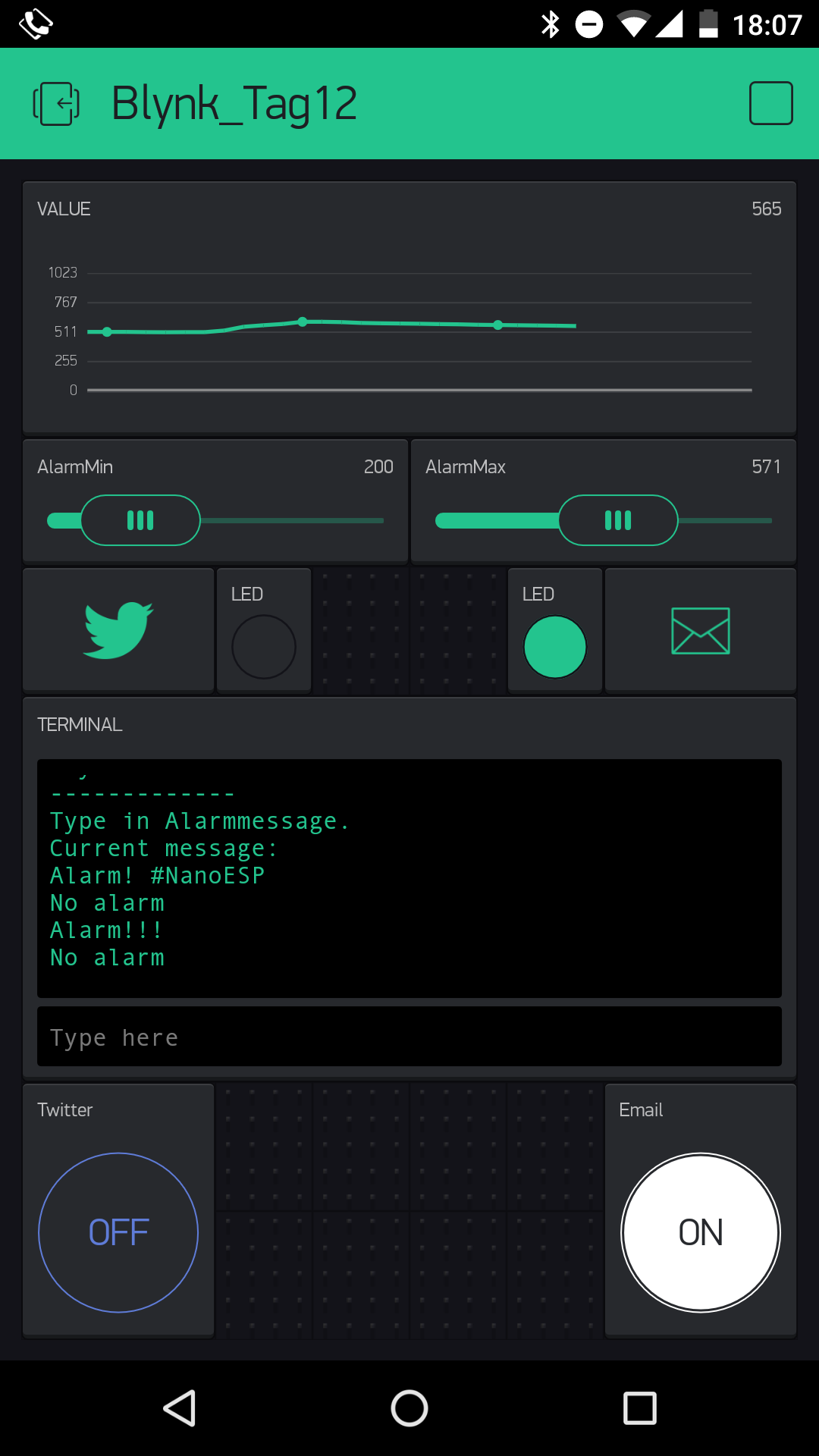
Behind today’s door, you’ll find a phototransistor. This is a sensor with which the brightness can be measured. You’ll do that today, but in addition to simple measurement, the project also sounds an alarm as soon as limit values that you’ve pre-set in the app are exceeded. So that everything will function, you have to connect the sensor with a voltage divider circuit at Pin A0, as shown in the picture below. Pay attention to the correct polarity of the phototransistor (short leg to VCC). It does also work the other way round, but not nearly as sensitively. ...

12.12.2016 · 4 min · Fabian Kainka