Day 24: Gift box

With the last test in this Advent, we get really Christmasy. We’re building a reusable gift box with which you can delight your relatives. Every time someone opens the present, the contents are lit up in an individual colour, and a Christmas sound plays. Behind today’s door is a retro-reflective sensor. This is actually two components, an IR transmitter diode and a phototransistor. It’s not very easy to see which way the elements have to be connected in terms of polarity. For this reason, it’s best if you connect the photoelectric sensor with the connection cables according to the example shown. Then you won’t be able to switch the polarity as easily. ...
24.12.2016 · 6 min · Fabian Kainka

Day 23: MQTT Climate

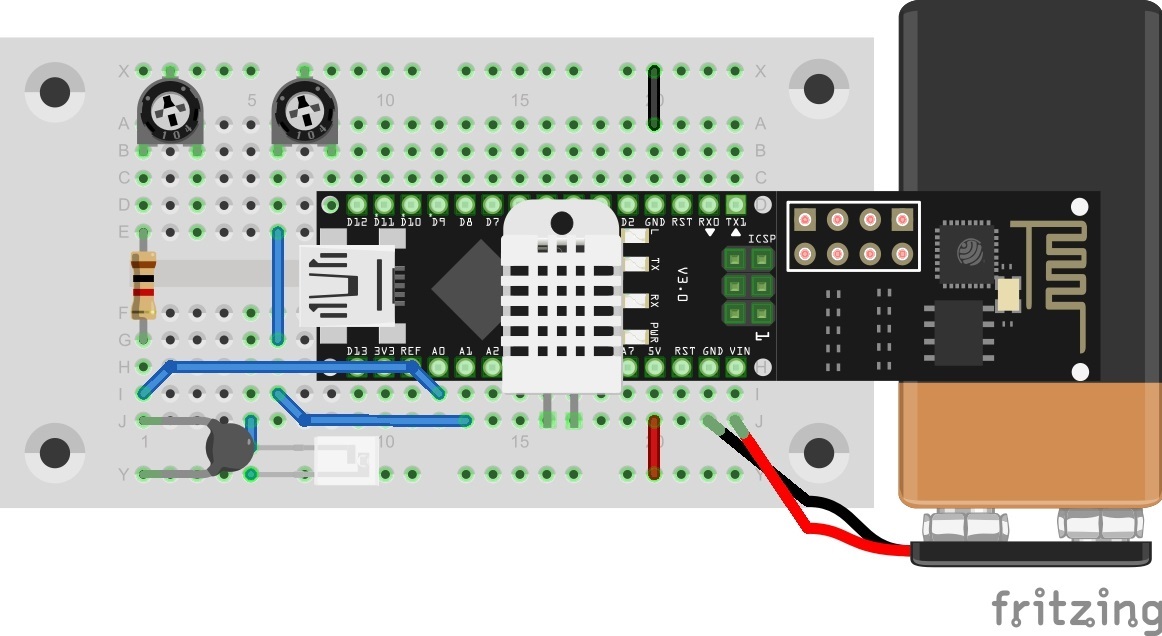
Behind the door for today is a battery clip for a 9 V block, with which you can make the entire system moveable. An alternative to a battery is a power bank (a rechargeable battery pack, normally for mobile phones). You can see in today’s layout picture how to connect a 9 V battery correctly. This is how you can connect a 9 V battery to today's layout Climate data should be captured again today. But this time they are published through the MQTT broker and are thus accessible worldwide. The data could thus be called up via a plug-in and stored in a database. ...

23.12.2016 · 5 min · Fabian Kainka

Day 22: MQTT Cheerlights

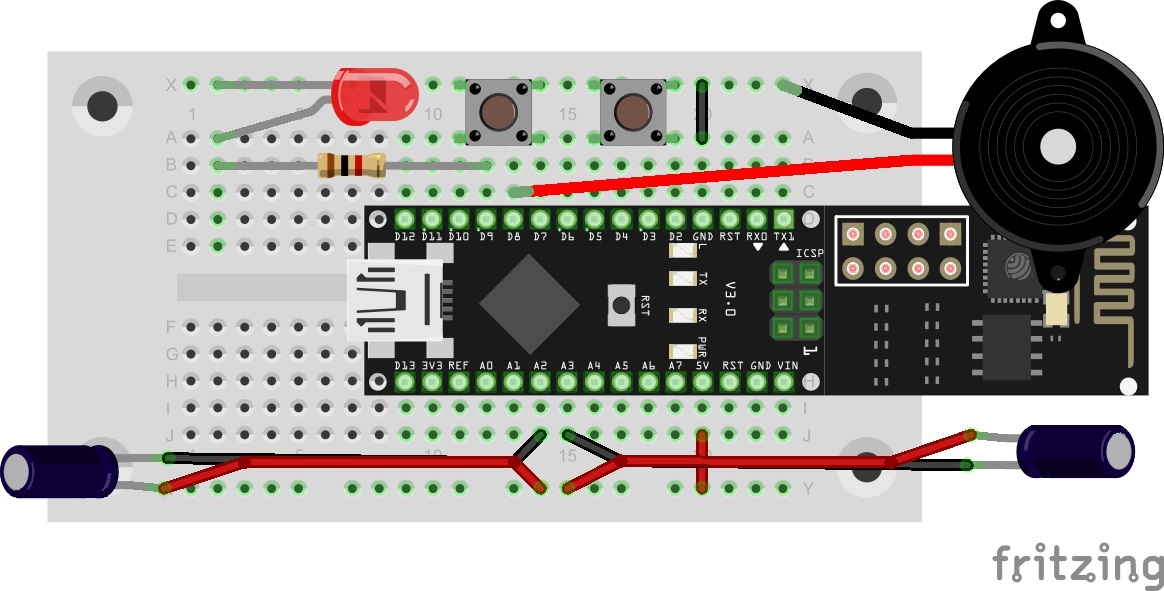
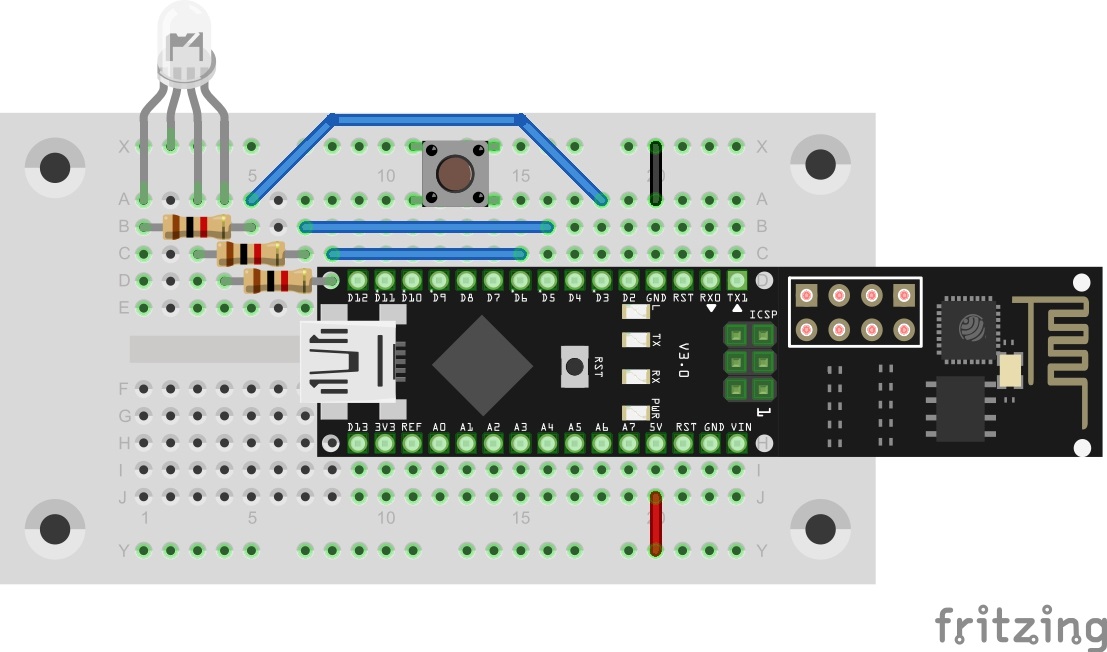
Today’s trial is about MQTT and a global project that was presented last year: the Cheerlights Project by Hans Schaaler. For everyone who doesn’t know the project: It’s about globally networked coloured lights that can be simultaneously controlled through Twitter commands. Another version of this project was part of last year’s Advent calendar. This year we have the version with MQTT and expanded functions. Behind today’s door is a 1-kohm resistor. The layout consists of the RGB LED with series resistors and a button. ...

22.12.2016 · 6 min · Fabian Kainka

Day 21: House automation

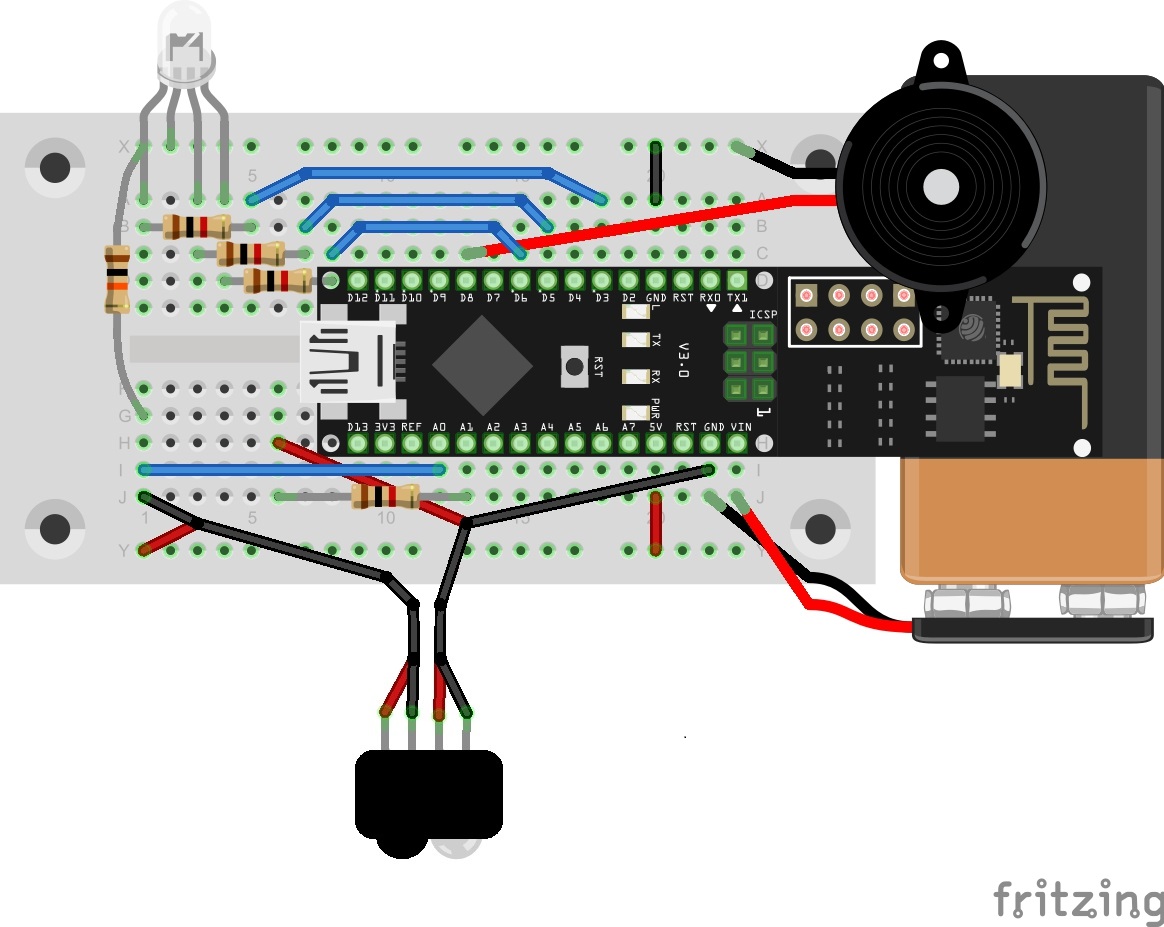
In today’s test, we’ll illuminate the characteristics and possibilities of MQTT in more detail by creating a practical scenario. In the example, there is a building with two rooms, each of which has a light switch, a light and an alarm sensor. The light switch switches the light of the respective room on or off. The alarm sensors activate a building-wide alarm. Normally, seven different devices would be used here, which are all connected to each other through an MQTT broker. But since we probably have only one NanoESP, this will simulate all devices. For this reason, today’s layout looks somewhat complicated. The LED D3 is used today as the second light. Therefore, today it won’t show you whether you’re connected to the WLAN. The tilt sensors are used on the extension cables as alarm sensors. A person could, for example, attach them to doors or windows so that they trigger an alarm if the entry opens. Behind today’s door is the second sensor. ...

21.12.2016 · 5 min · Fabian Kainka

Day 20: MQTT (Message Queue Telemetry Transport)

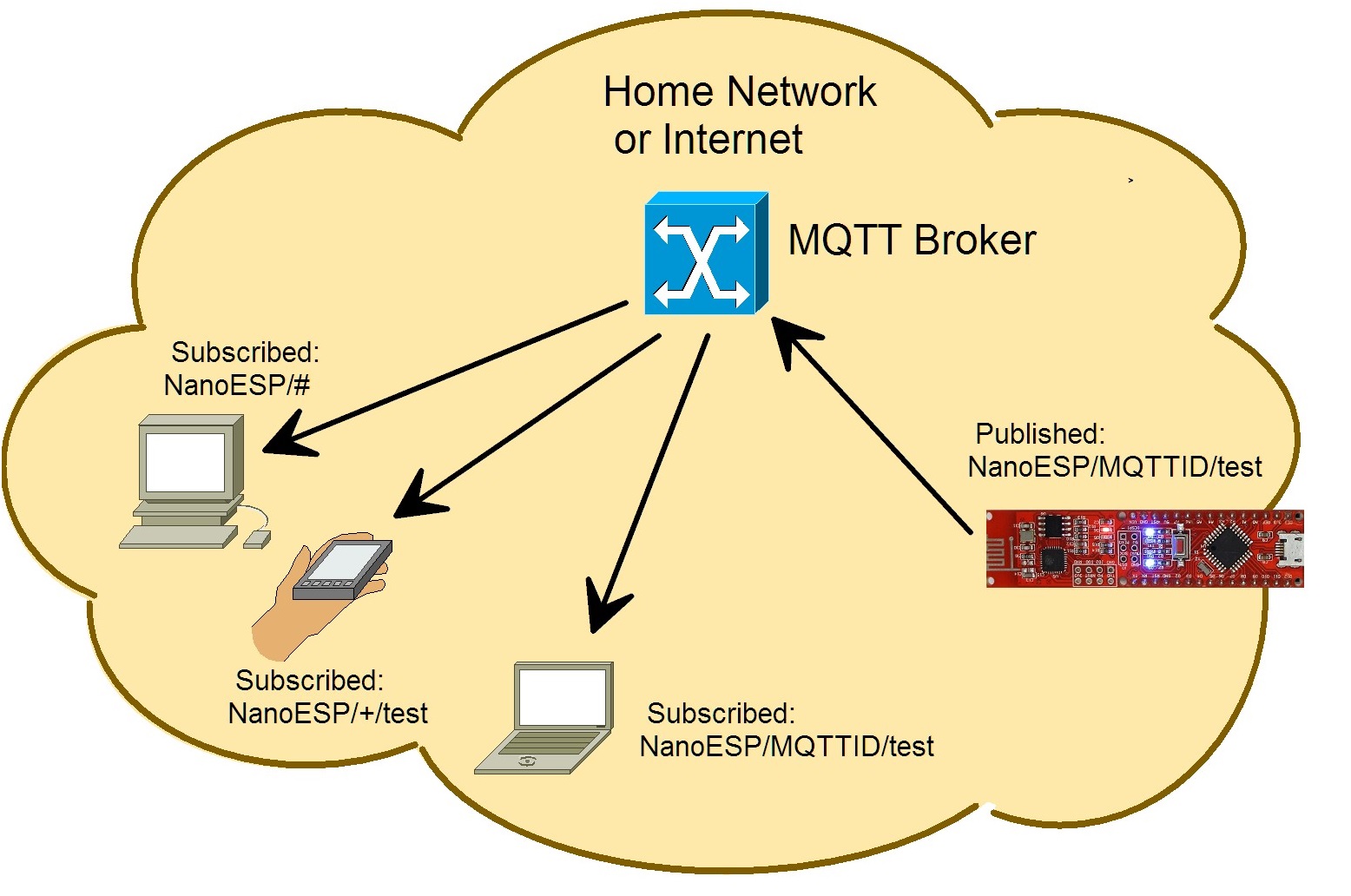
For the last days of this Advent, you’ll now become familiar with a subject that plays a large role in the realm of the IoT. We’re dealing with the messaging protocol MQTT, which was specially developed for the communication from machine to machine (M2M). The protocol is thus so brilliant because e.g. control data, measurement data or texts can be exchanged very easily and compactly. The overhead (data that’s transferred alongside the actual user data) is much lower than with HTTP and can be processed readily even by embedded devices, meaning microcontrollers like our NanoESP. At the same time, the controller doesn’t constantly have to establish a connection and query whether there’s been a change; instead, the connection is continually maintained and the client automatically gives information about changes. ...

20.12.2016 · 5 min · Fabian Kainka