Day 22: TalkBack

Today’s project is about another app of the ThingSpeak page, i.e. the TalkBack-App. This function permits creating a command that is read and executed by the controller. What appears nonsensical with a single controller does make sense when using two or an entire network of controllers. Some boards can act as sensors then, e.g. with motion detectors, and send a TalkBack command. Another module reads the command from the ThingSpeak page and then opens the door or reports an alarm. ...
22.12.2015 · 2 min · Fabian Kainka

Day 20: Twitch

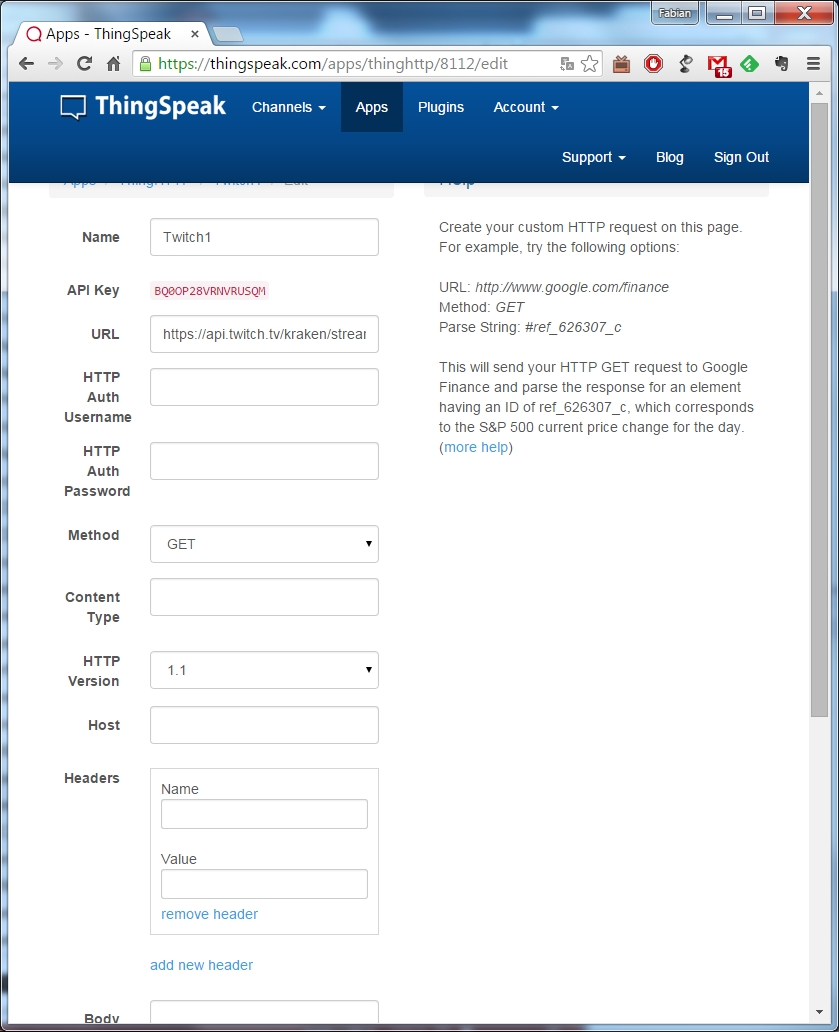
The website ThingSpeak offers a lot more than just long-time monitoring of sensors. Today’s project is similar to the projects from days 9 and 10 in its basic idea. Information is collected from a website on the internet. In this case, it is whether a specific stream is currently online or not. There are two decisive advantages of the ThingSpeak version over the first attempts. First, the ThingSpeak page can also call websites via HTTPS (HyperText Transfer Protocol Secure), while the module only supports the unsafe HTTP-protocol. Second, the website can pre-filter important information and thus clearly reduce the data volume to be processed by the controller. ...

20.12.2015 · 2 min · Fabian Kainka

Day 16: GPIO Control

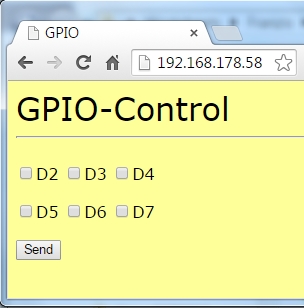
Today’s project permits simple control of the digital pins D2-D7 per website. The status of the respective pin is also presented on the website, so that you will never lose the overview. To review the condition of the pin well, a setup as in the following figure is recommended. Both the RGB-LED and the regular LED are used. The cathodes of the LEDs are now not connected to the long ground line on the outside of the board, but are also at a digital output. Only when these pins are switched low can the LEDs light up. ...

16.12.2015 · 2 min · Fabian Kainka

Day 13: Website with buttons

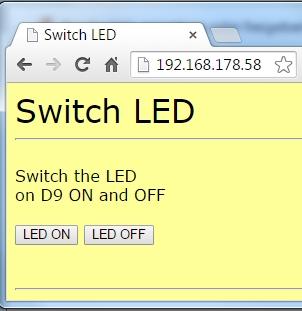
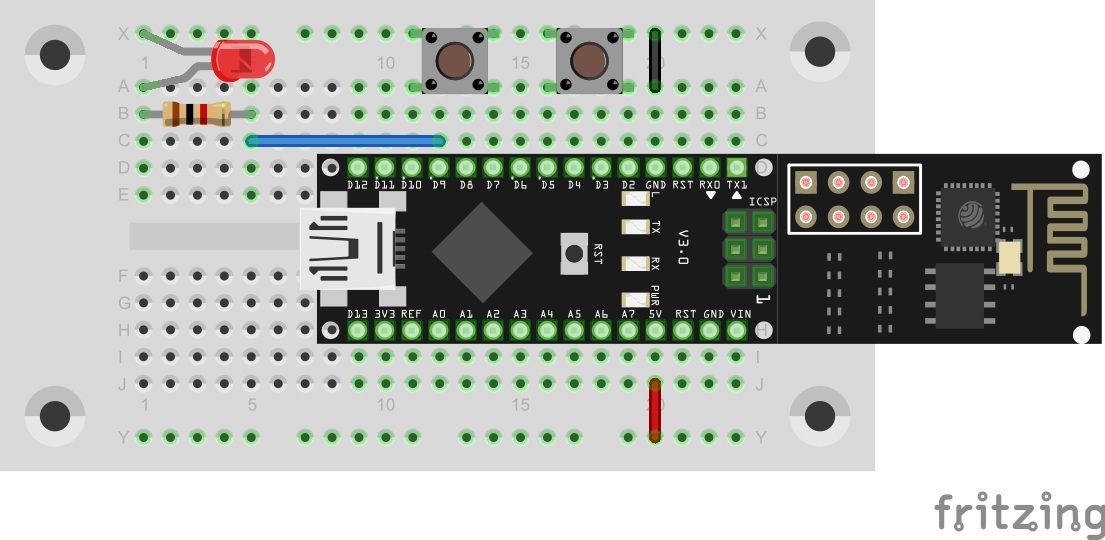
In today’s experiment, the illustration of the website is even more sophisticated. There are now also control elements that permit much more comfortable control of the LED. The 9V-batterie powers the board The structure of today’s experiment is no different from yesterday’s: An LED at pin D9, which can be controlled via the module. As an additional component, today’s door once again holds a resistor with 1 kΩ. If necessary, you can now reduce the brightness of an LED by switching two resistors in series. ...

13.12.2015 · 1 min · Fabian Kainka

Day 12: Autonomous webserver

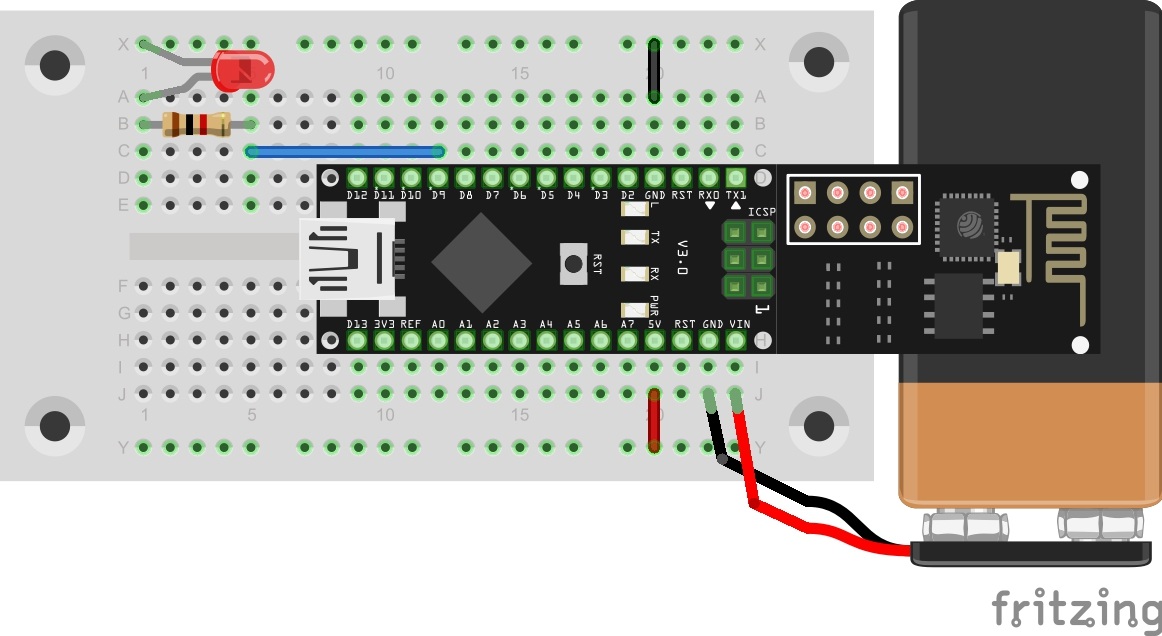
The results of yesterday’s experiment are now to be used in an autonomous program. Today’s program not only sends a simple website to the browser, but also permits control of an LED. The 9V-batterie powers the board Behind today’s door, you will find a 9-V battery clip that can make your board mobile. As an alternative, you may also use a Power Bank (a battery pack usually used for mobile phones). If you want to use the 9-V-battery, observe that the red wire must be connected to Vin, and the black one to GND. The figure shows the setup of today’s experiment with external power supply. ...

12.12.2015 · 1 min · Fabian Kainka

Day 5: Switching an LED

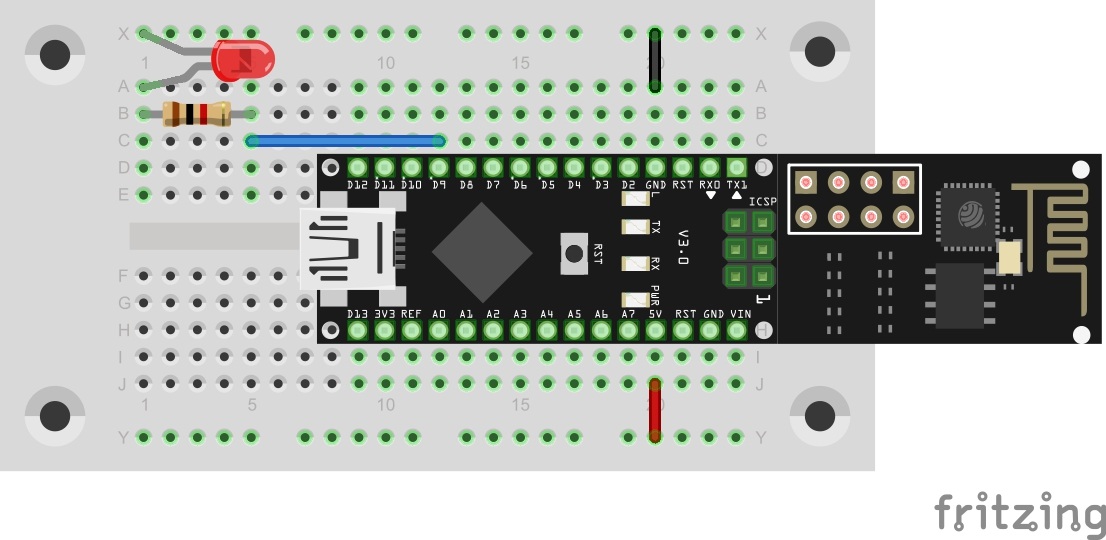
Today’s program is finally about controlling hardware via the UDP protocol. In this case, an LED is switched on and off with simple commands. The LED in Pin D9 You will find an LED board behind the fifth door. The right dropping resistor already was in yesterday’s door. Build the circuit as the picture shows. The program: Day5_UDPLED ! Attention: Some MAC-Users reportet a bug in the PacketSender-Software. This bug doesn’t allow you to change the ports. If you have problems with this bug you can change the ports in the Arduino program. All you have to do for todays project is to change the line 83 from succes &= sendCom(“AT+CIPSTART="UDP","192.168.4.255",90,91”, “OK”); to succes &= sendCom(“AT+CIPSTART="UDP","192.168.4.255",5505,5506”, “OK”); ...

05.12.2015 · 2 min · Fabian Kainka