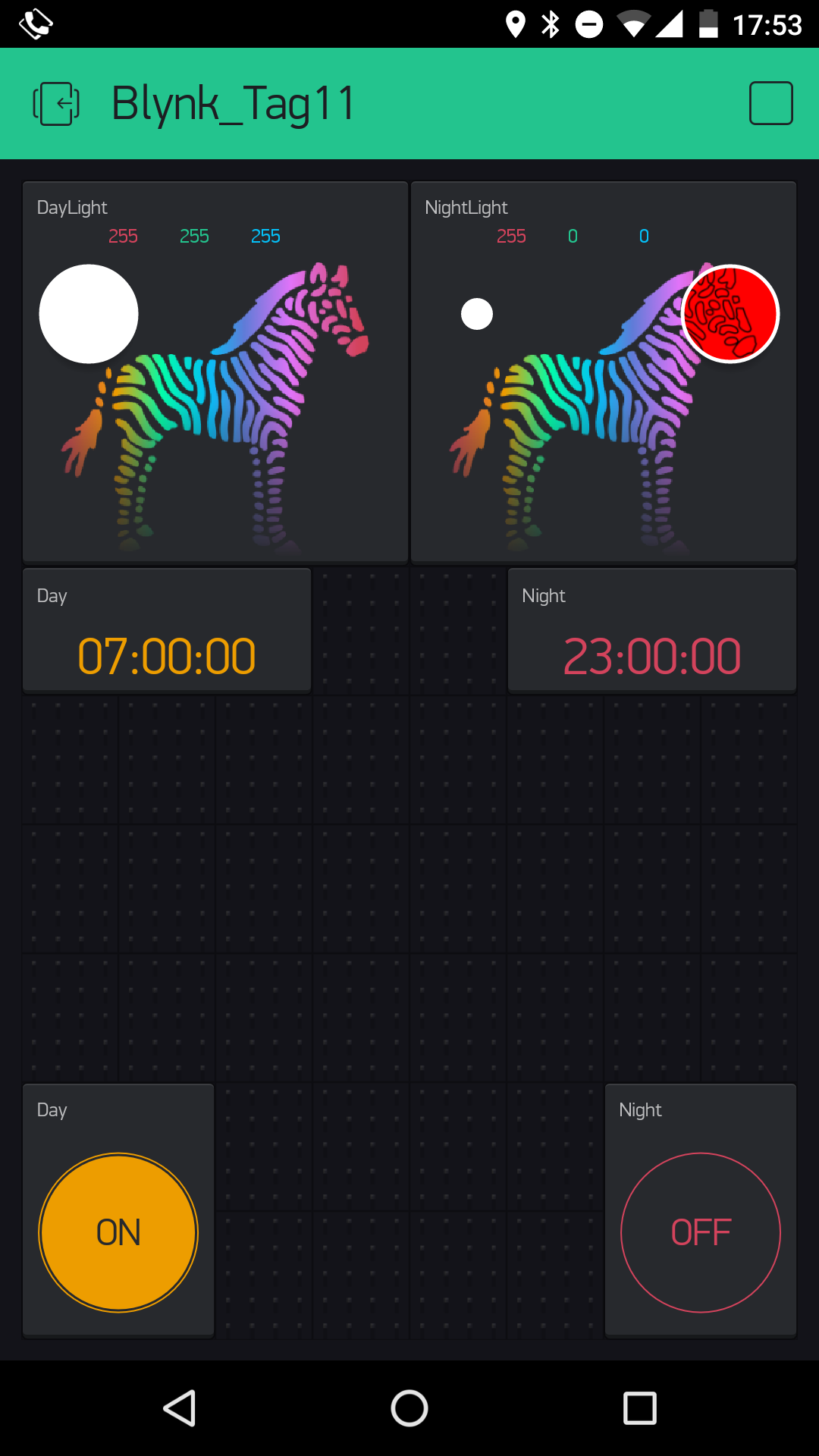
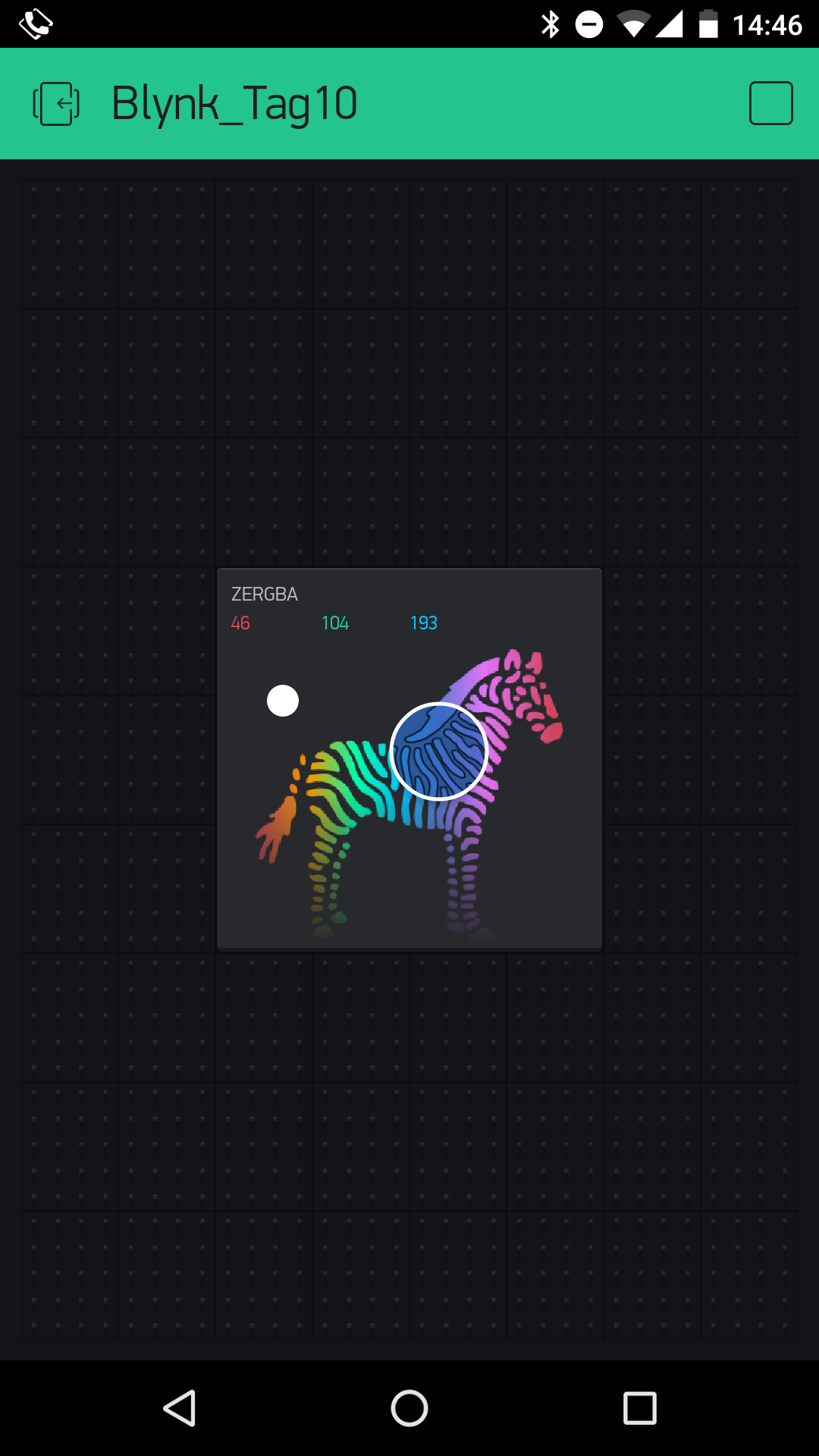
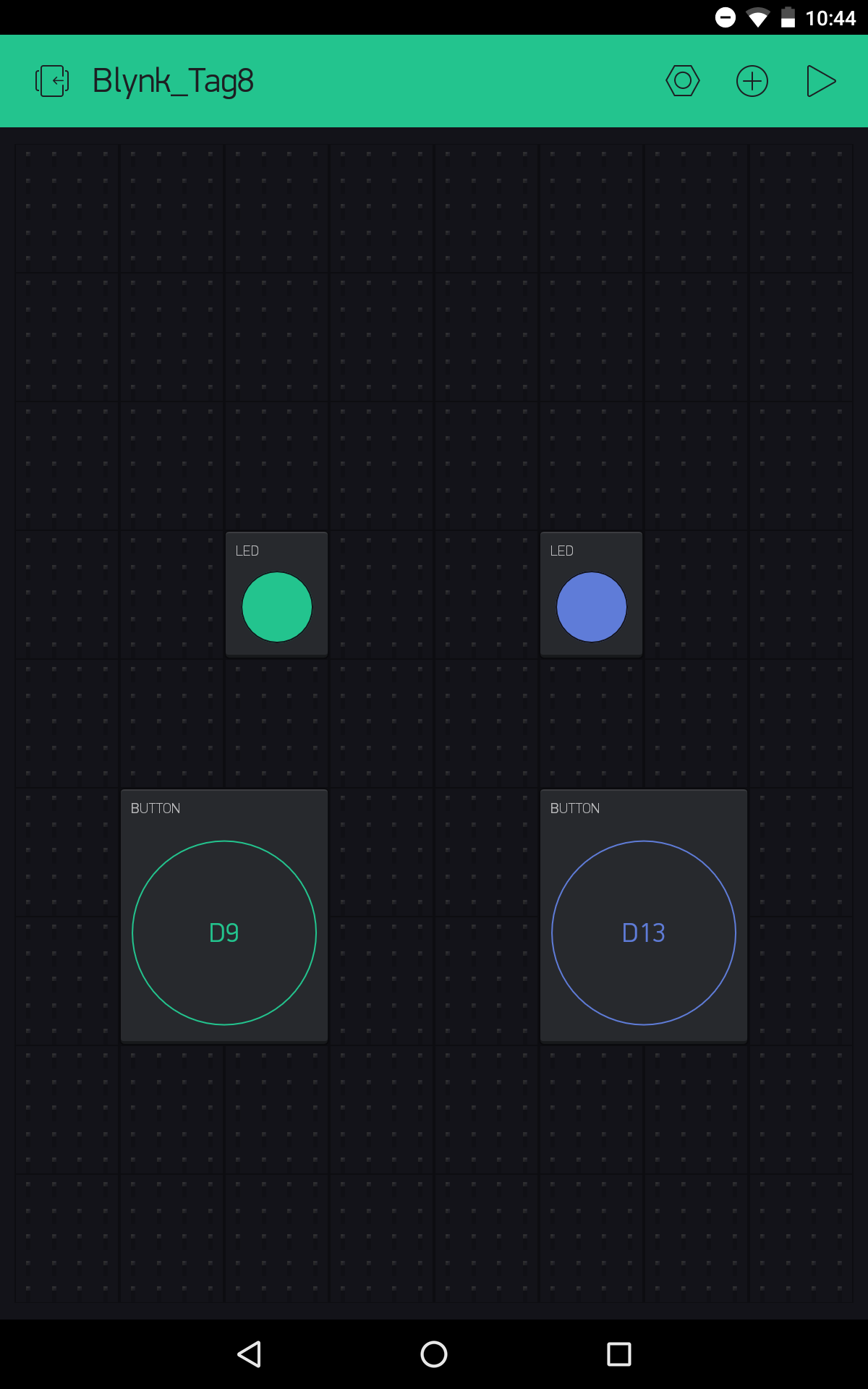
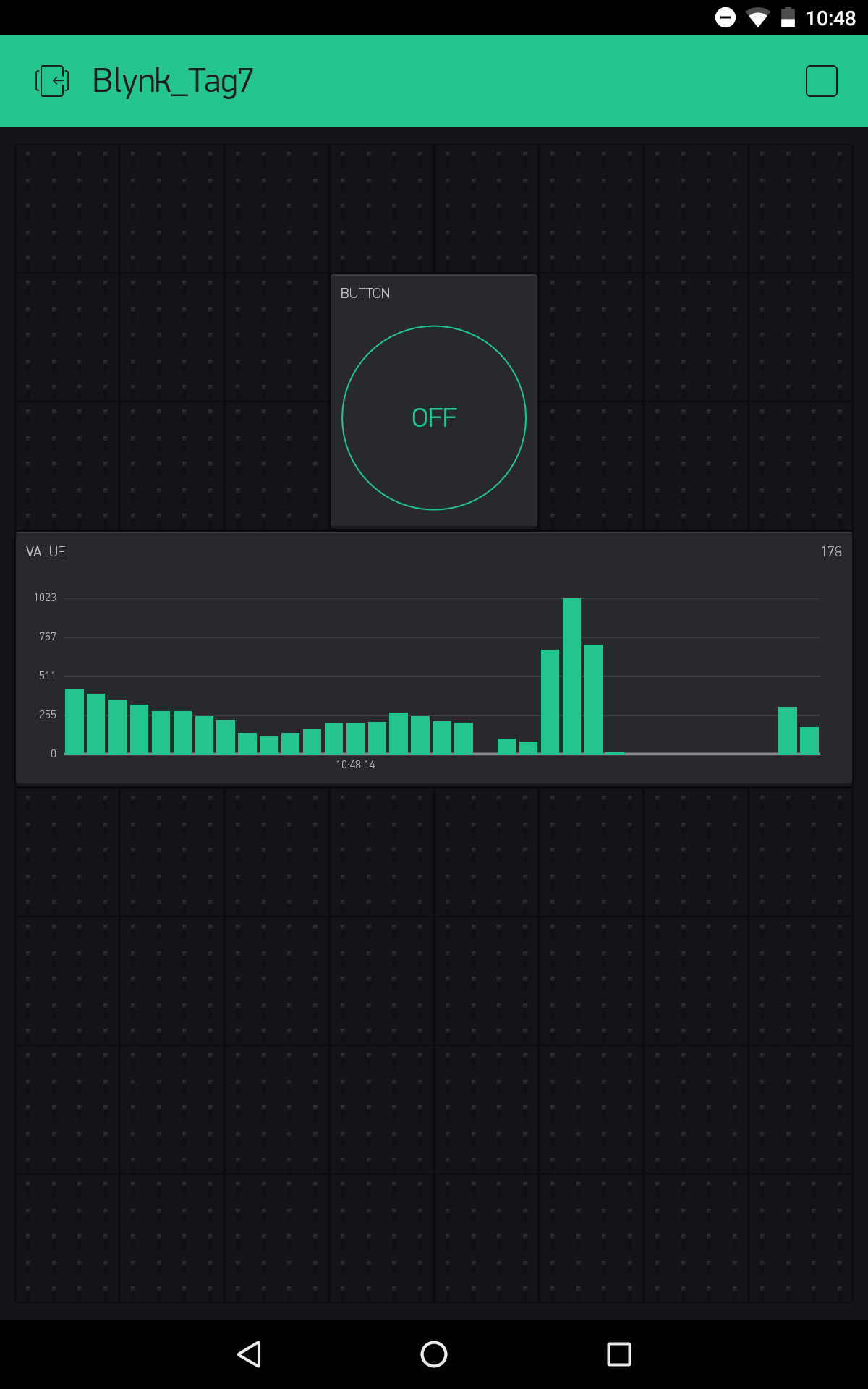
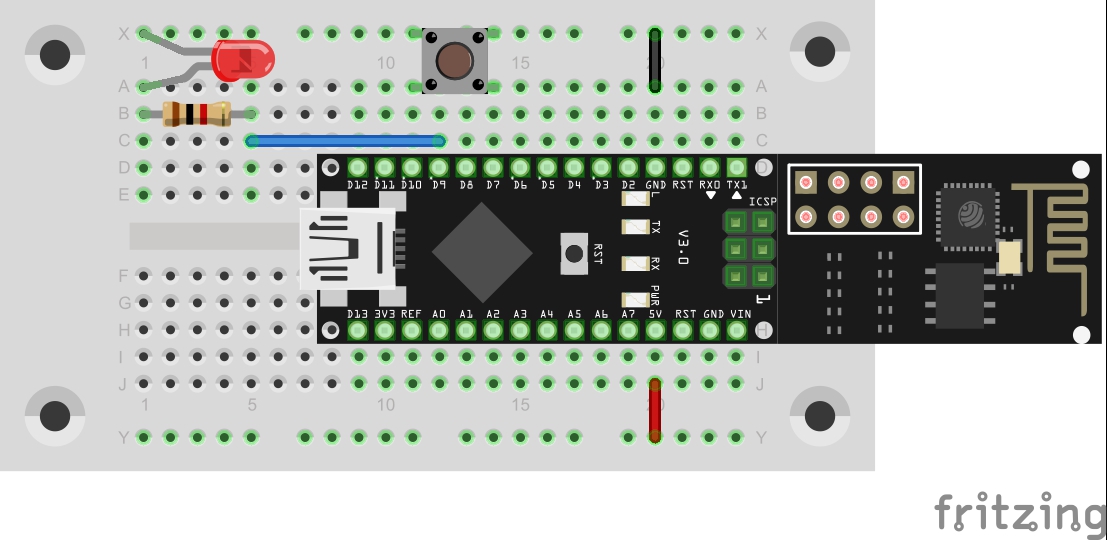
Behind today’s door is a 10-kohm resistor, but we don’t need it yet today. Instead, the set-up from yesterday’s test works today as well. In this project, you’ll build a day-night lamp that changes colours at specific times. Thus you can have a bright light shining during the day, while at night only a dim red serves as emergency lighting for a bit of orientation.
The layout from Day 10 The sketch: A16_P11_Blynk7_DayNight.ino /* Blynk 7: DayNight Change ssid, password and token */ char ssid[] = "YourSSID"; char password[] = "YourPassword"; char token[] = "YourToken"; #define BLYNK_DEBUG #define BLYNK_PRINT Serial // Comment this out to disable prints and save space #include <ESP8266_SoftSer.h> #include <BlynkSimpleShieldEsp8266_SoftSer.h> // Set ESP8266 Serial object #include <SoftwareSerial.h> SoftwareSerial EspSerial(11, 12); // RX, TX ESP8266 wifi(EspSerial); boolean isDay; void setup() { // Set console baud rate Serial.begin(19200); EspSerial.begin(19200); Blynk.begin(token, wifi, ssid, password); } void loop() { //all events are handled by functions below Blynk.run(); } BLYNK_CONNECTED() { //Sync all states when reconnected Blynk.syncAll(); } BLYNK_WRITE(V1) //DayTimer { if (param.asInt()== 1){ Blynk.virtualWrite(V0,1); Blynk.virtualWrite(V7,0); isDay = true; Blynk.syncVirtual(V3); } } BLYNK_WRITE(V4) //NightTimer { if (param.asInt()== 1){ Blynk.virtualWrite(V0,0); Blynk.virtualWrite(V7,1); isDay = false; Blynk.syncVirtual(V8); } } BLYNK_WRITE(V0) //Day { if(param.asInt()==1) { Blynk.virtualWrite(V7,0); isDay = true; Blynk.syncVirtual(V3); } } BLYNK_WRITE(V7){ //Night if(param.asInt()==1) { Blynk.virtualWrite(V0,0); isDay = false; Blynk.syncVirtual(V8); } } BLYNK_WRITE(V3) // change color Day { if (isDay){ analogWrite(3, param[0].asInt()); // getting first value analogWrite(5, param[1].asInt()); // getting second value analogWrite(6, param[2].asInt()); // getting N value } } BLYNK_WRITE(V8) // change color Night { if (!isDay){ analogWrite(3, param[0].asInt()); // getting first value analogWrite(5, param[1].asInt()); // getting second value analogWrite(6, param[2].asInt()); // getting N value } } (The former Arduino Create embed is no longer available; the code is taken from the download of all sketches.)
...