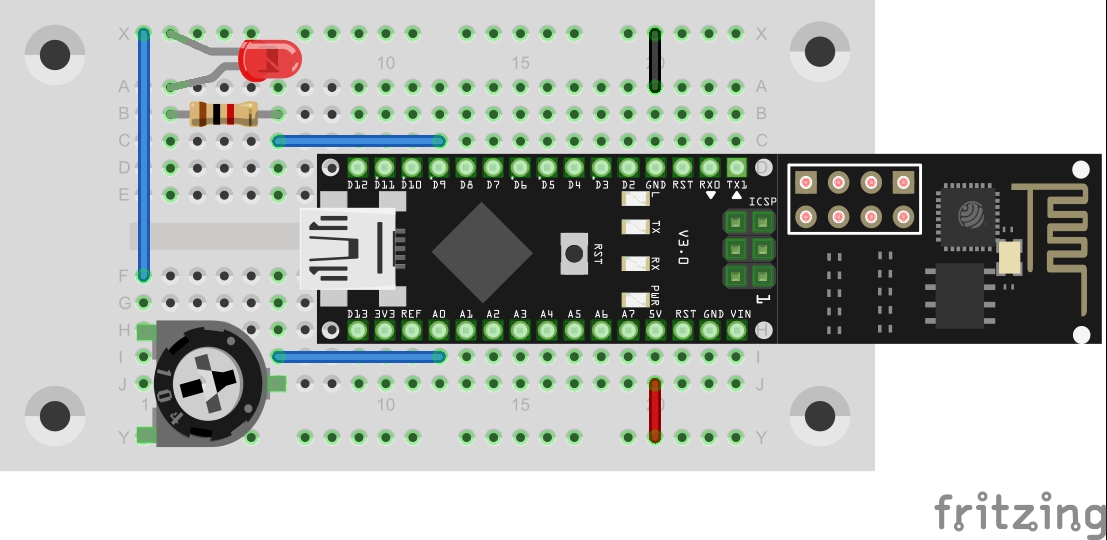
In the last project, a button was used to deal with the simplest form of a sensor. This time, a potentiometer should be used as an analogue sensor to permanently send measured values into the network.
Behind the 7th door of the advent calendar, there is a potentiometer with 10 kΩ. The setup is shown in the lower figure.

The program: Day7_UDPAnalog
! Attention: Some MAC-Users reportet a bug in the PacketSender-Software. This bug doesn’t allow you to change the ports. If you have problems with this bug you can change the ports in the Arduino program. All you have to do for todays project is to change the line 100 from
succes &= sendCom(“AT+CIPSTART="UDP","192.168.255.255",90,91,2”, “OK”);
to
succes &= sendCom(“AT+CIPSTART="UDP","192.168.255.255",5505,5506,2”, “OK”);
In addition to the analogue sensor, there is another change to the programme. This time, the controller is not to be operated in access point mode as before, but to connect to your home network. You can enter your station data simply at the top of the program this time.
After the upload, it may be a while before the connection to the network is established. If this has been successful, the LED D3, which is firmly equipped on the board, lights up. This is the sign that the controller is now ready. While the serial monitor is active, you will see the corresponding message, but you may want to use the board autonomously for later experiments. In this case, the feedback can be very helpful. The serial monitor will also give you the information of which IP has had the board assigned by the router. This IP is important if you want to connect to the board later.
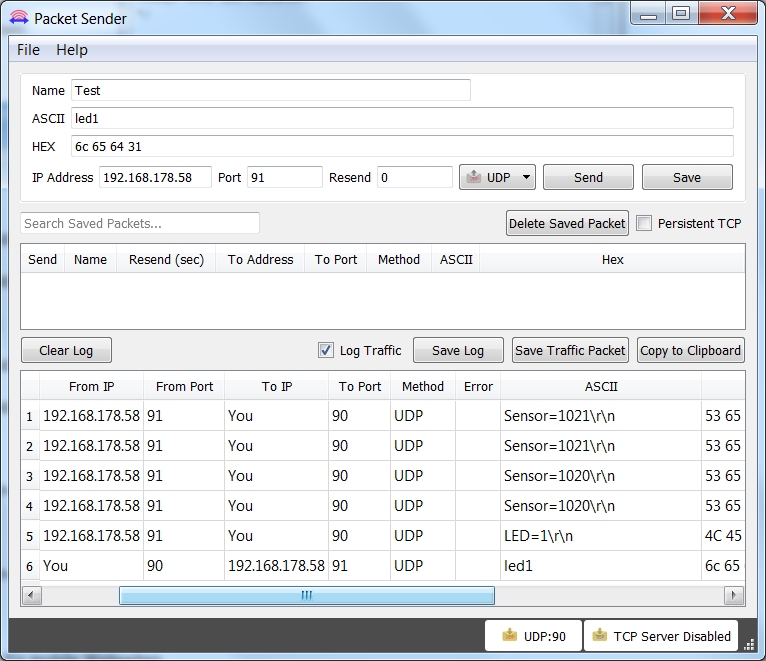
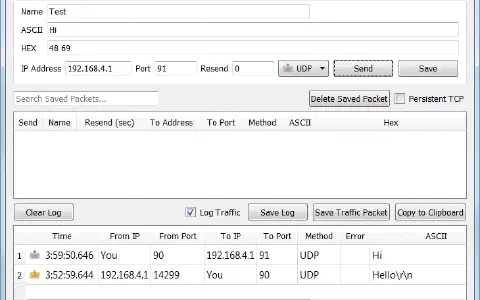
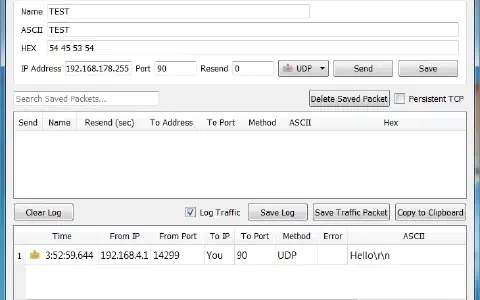
The connection to the board works similarly as before. Only the IP of the module and your computer will have changed. The program initially does not receive any measured results. You need to send a message, e.g. the command led=1, first. New measured data will then come in approx. once per second.
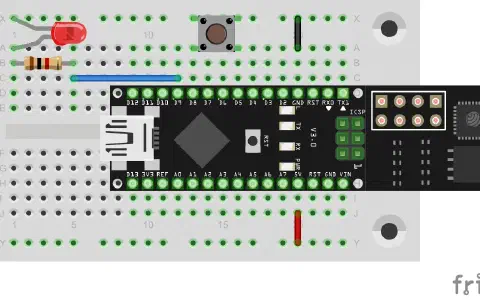
Entweder ist der Fehler im Bild oder im Day7-Prog…
Die Steckbrücke oberhalb des Nano-Moduls in Reihe C endet bei Pin D10, also müsste es im Prog heissen:
#define LED 10
oder die Steckbrücke bleibt wie sie bisher war und endet bei PIN D9 dann passt das #define LED 9 im Prog…
Die Sensorwertausgabe mit dem Poti funzt jedenfalls.