Tag 6: Touch to Speach
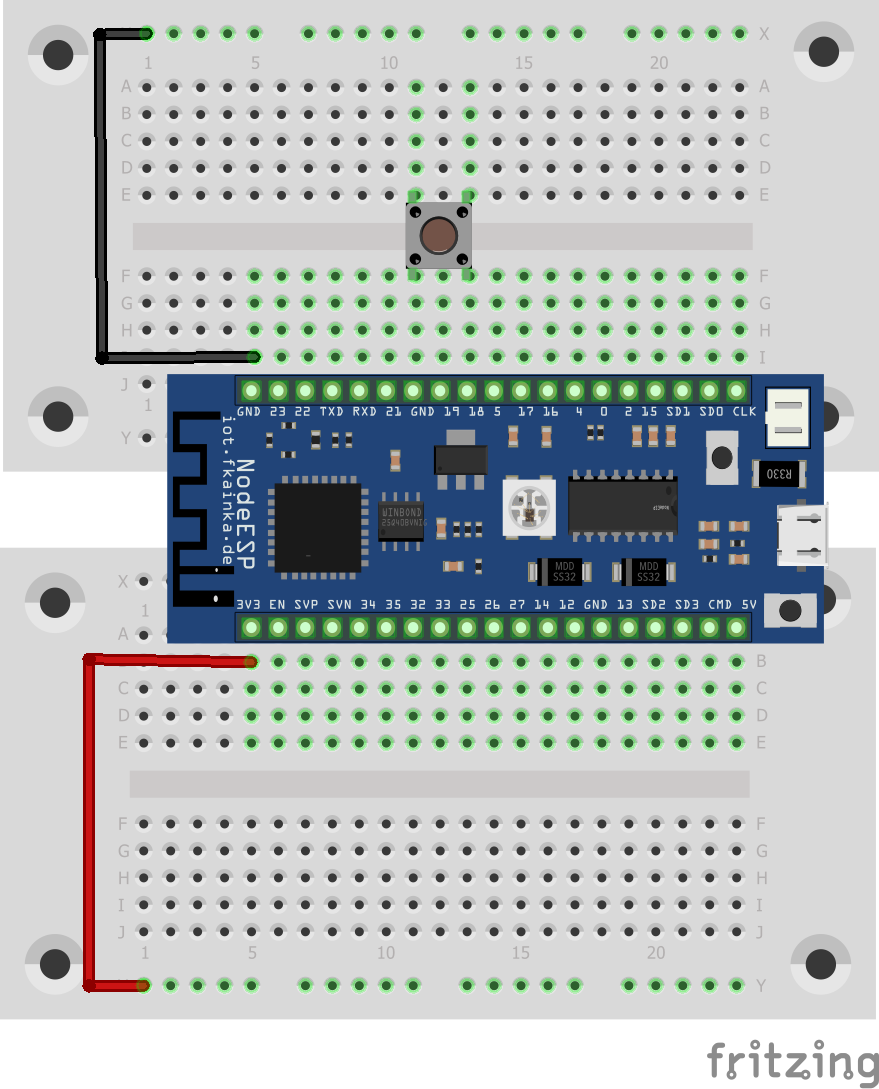
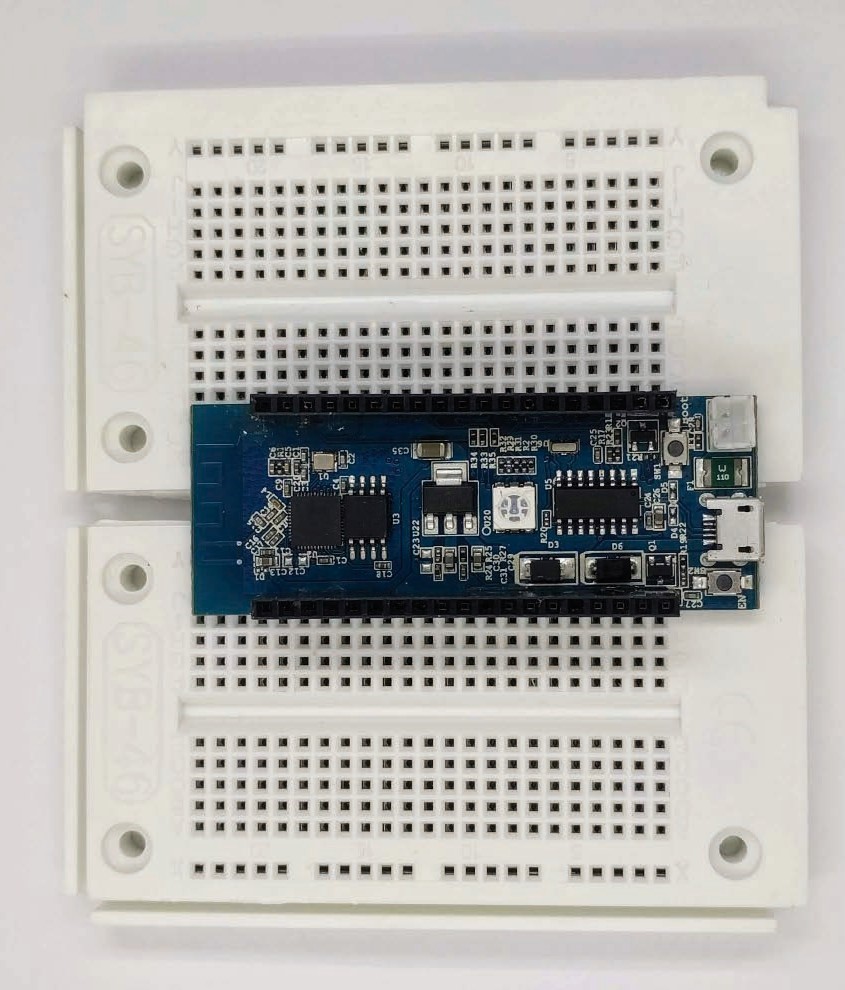
Behind the sixth door of the Advent calendar is a 1 kOhm resistor, which we will use tomorrow. Today we will continue with Node-RED and try out the touch function of the board. As always you will select the program of today. And today we will also build the following circuit. The yellow wires with one free end are the touch sensors. Breadboard Construction: Three wires suspended in the air from one end Once set up, you can restart Node-RED using the terminal and the node-red command. Then open the Node-RED editor via http://127.0.0.1:1880/. Today we will install a few nodes. To do this, click on the three dashes in the top right corner where you will see manage palette under which all the installed nodes are listed. Select the Install tab and you will see a large number of different modules that you can install. For today we are searching for the module node-red-dashboard. Click the Install button. A message appears warning you that installation may be difficult at times. Just click Ok, this module is easy to install. After a short while, a success message appears, and the new nodes are now in your node row. ...