Maker Kit für Smart Home

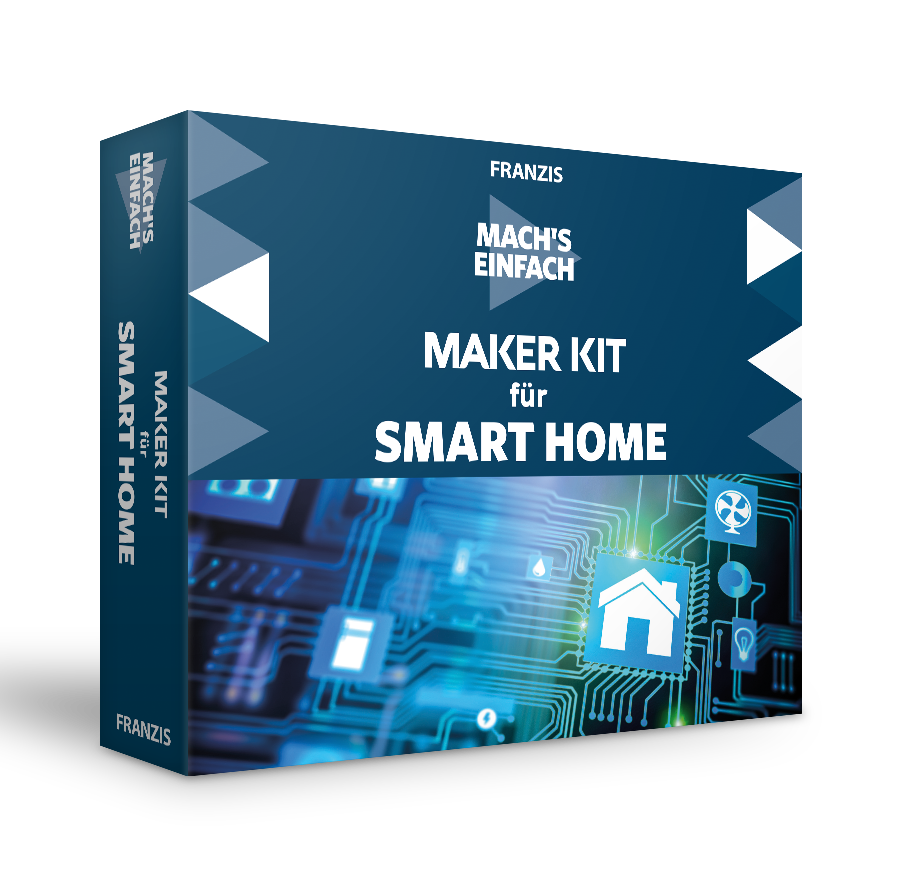
ghfgh Licht, Heizung, Alarm oder Pfl anzenbewässerung: Im vernetzten Heim lassen sich diese und viele weitere Systeme fernsteuern und automatisieren. Steigen Sie mit diesem Maker Kit ein in die Welt des Smart Homes und lernen Sie grundlegende Prozesse und Techniken kennen und selbst anzuwenden. Als Basis für alle Experimente dient Ihnen ein speziell dafür entwickeltes NodeESP-Board, das in diesem Maker Kit enthalten ist. Hausautomatisierung leicht gemacht Vom automatisierten Ein- und Ausschalten von LEDs über das Steuern Ihres TVs von irgendwo in der Welt bis hin zur Lang-zeitüberwachung Ihres Raumklimas ergründen Sie die verschiedenen Aspekte der Hausautomatisierung. Alle benötigten Bauteile, darunter ein speziell entwickeltes NodeESP-Board, sind in diesem Maker Kit enthalten es kann sofort losgehen!
02.11.2019 · 1 min · Fabian Kainka

Day 24: Christmas Tree Lighting

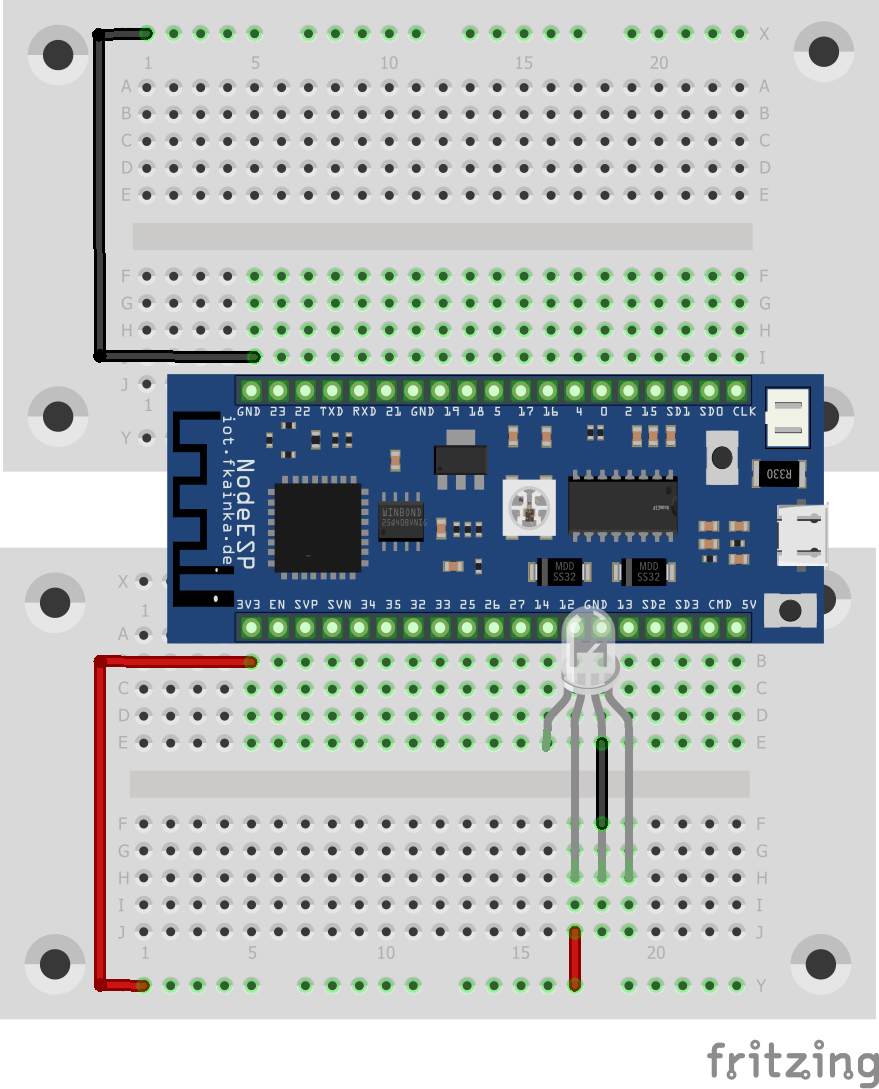
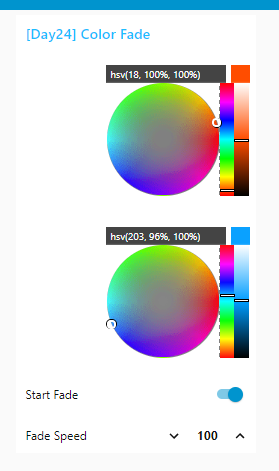
Last but not least, you will find another programmable RGB-LED behind the door of the Advent calendar. Thus, we have two LEDs which you can interconnect to light your Christmas tree. We will need the following setup today. Setup of the Christmas tree light. The longer legs of the LEDs are on the right Activate the program and import the flow of today. Disable all previous flows and change the broadcast IP of the UDP node, if necessary. ...

24.12.2018 · 2 min · Fabian Kainka

Day 23: Alarm System

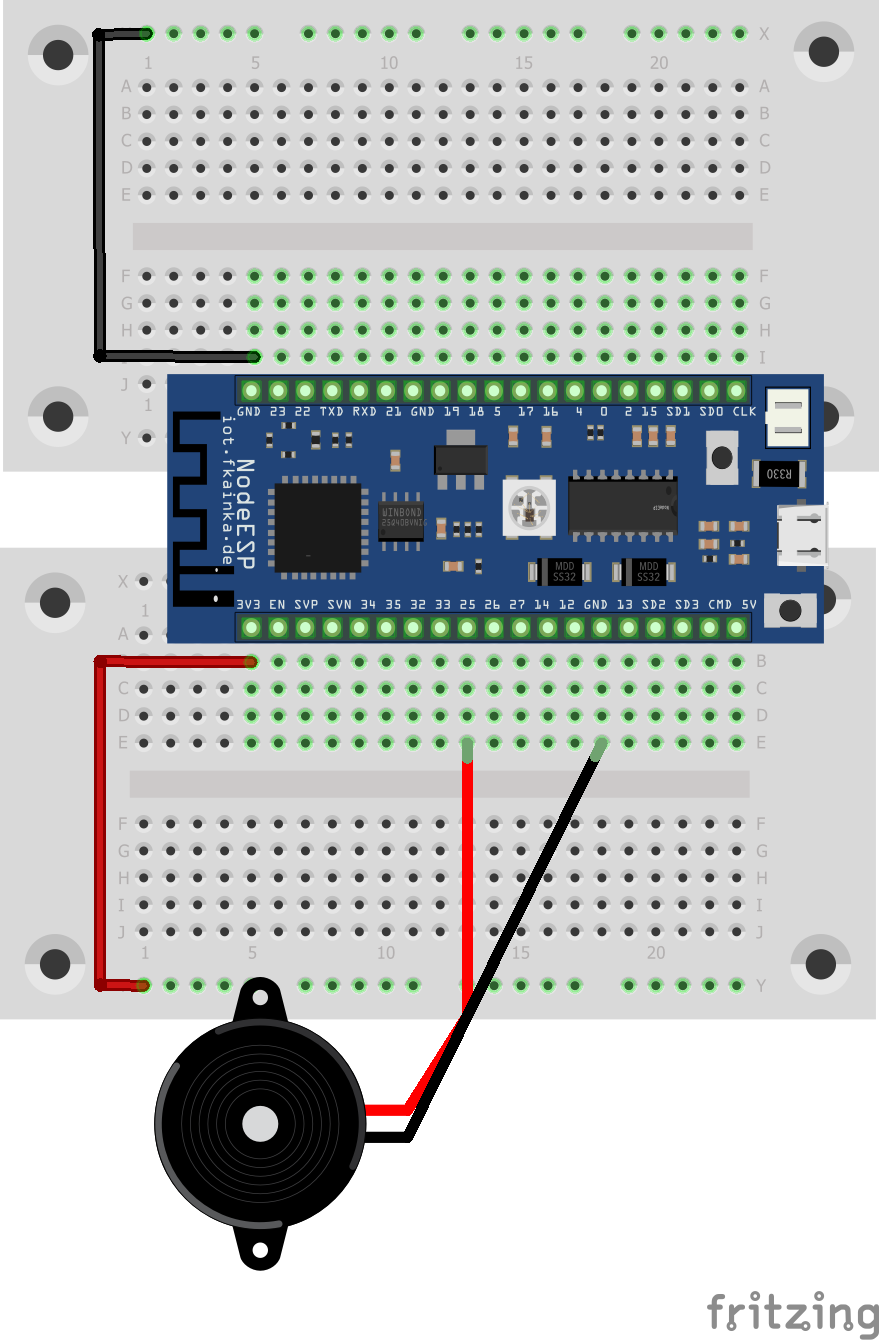
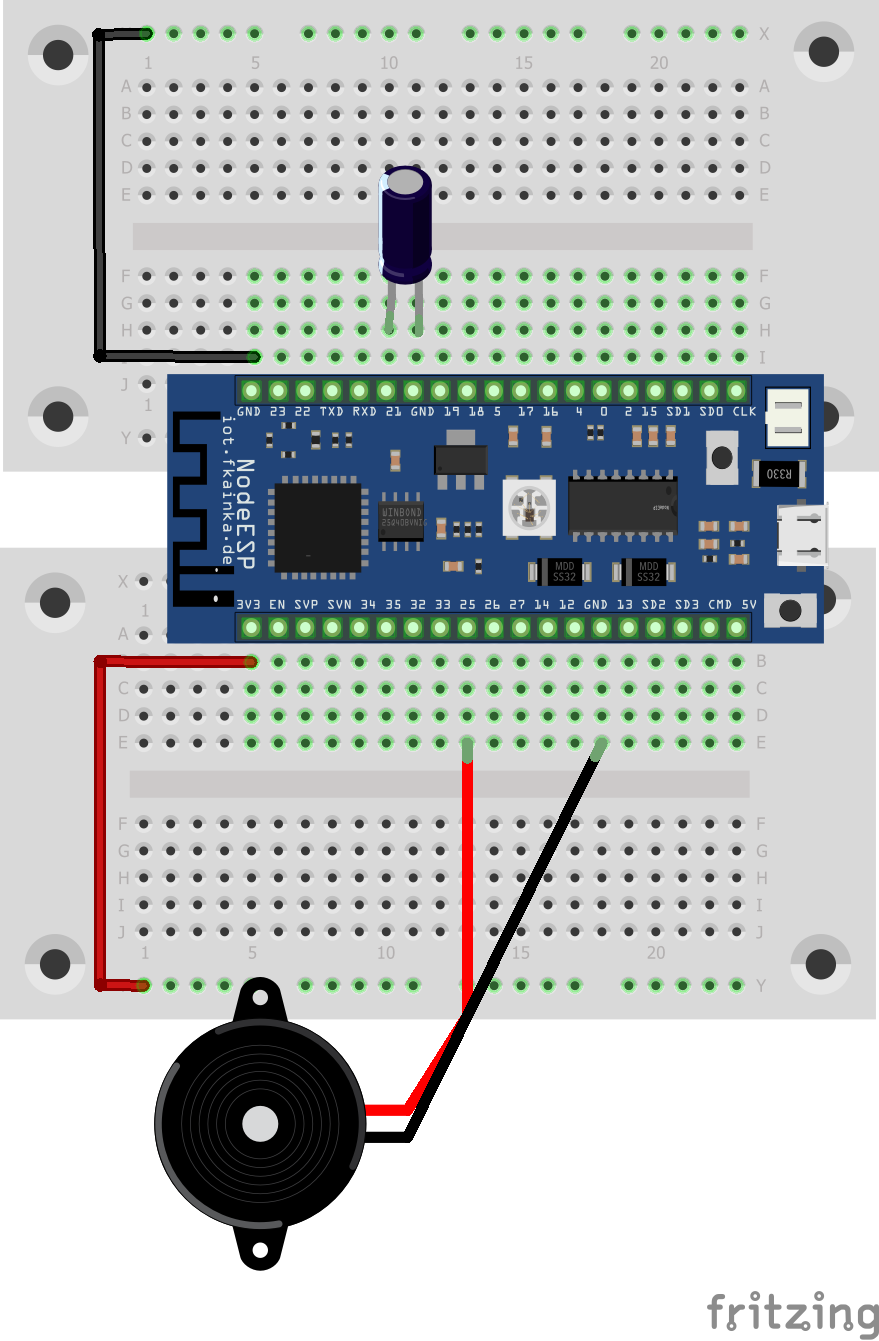
The day before last reveals a tilt sensor behind the door of the Advent calendar. The sensor detects, if it is tilted. We will use it today as a sensor for an alarm system. The speaker from two days ago serves us as the signal generator. We will need the following setup. Alarm Setup As usual, activate the program of today and install the Node-RED flow into the environment. Also adjust the MQTT topic and disable all previous flows. ...

23.12.2018 · 2 min · Fabian Kainka

Day 22: Climate Guard

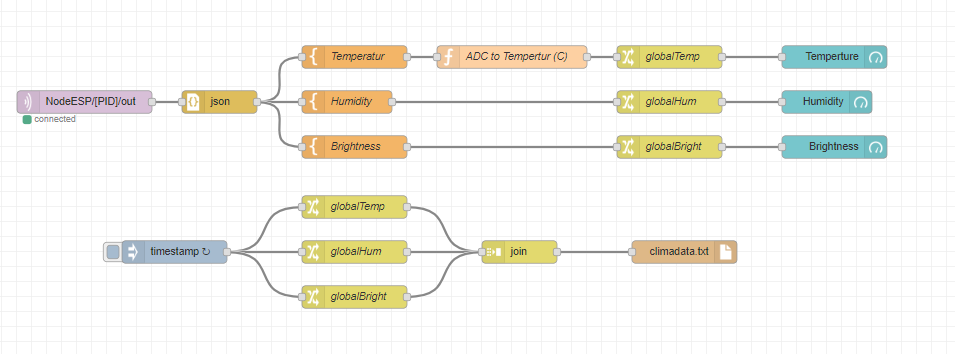
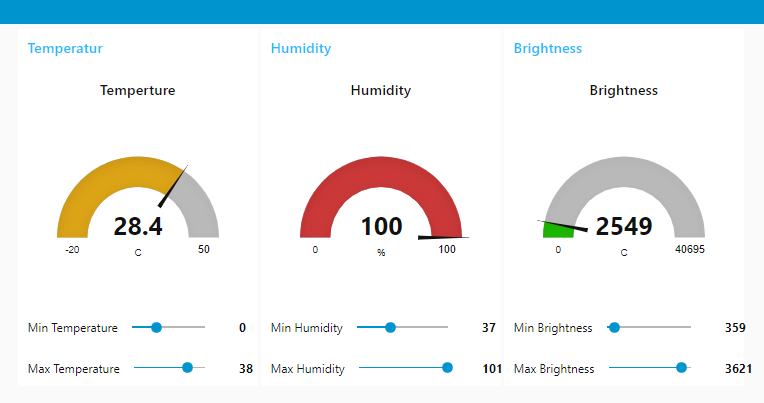
The door of day 21 reveals again a sensor, which we will use to measure the humidity level present. With the following circuit we will build a comprehensive indoor climate monitor. The indoor climate monitor circuit Our experiment today uses three sensors: the temperature sensor (NTC), the light sensor (photo transistor) and the humidity sensor. Altogether they deliver a real good impression of the current climate situation in a room. Let’s start the program of today. ...

22.12.2018 · 2 min · Fabian Kainka

Day 21: Piano Player

The door of day 21 reveals a loudspeaker. We will use it in our experiment today to play some music. We will need a very simple setup for this. Setup In our experiment we will connect the speaker to one of the board’s two DAC outputs. DAC means digital/analogue converter and with this we can generate an analogue signal using digital commands. In our experiment today, we will use it to produce sounds, and to be more precise, we are talking about piano sounds. The notes, pauses and keys are sent via UDP by means of an array of numbers. ...

21.12.2018 · 2 min · Fabian Kainka

Day 20: Plant Guard

Behind the door is an NTC resistor (Negative Temperature Coefficient) that measures the temperature. Together with the photo transistor and a few wires, we are going to build a plant guard that alerts us, when a plant it is monitoring is exposed to bad conditions. We will use the following setup besides the program of today. The plant guard The two yellow wires are just simple wires that can be inserted into the potting soil. They are used to monitor the level of moisture in the soil. During our initial tests, we will just touch the two wires with a finger. ...

20.12.2018 · 2 min · Fabian Kainka

Day 19: CheerLights

Today we have a very special LED waiting behind the door. It is an RGB LED with integrated controller (type PL9823, equivalent to WS2812) and with it you can now connect several LEDs in series and control them individually by means of a protocol. Today we will start by controlling one LED only. Here, an experiment that is almost customary in my Advent calendars fits in handy: the CheerLights project by Hans Schaaler. For all those who do not yet know the project: these are globally linked colourful lights which can be controlled simultaneously via Twitter commands. And here Node-RED fits in very well. The experiment today requires the following setup besides the program of today. ...

19.12.2018 · 3 min · Fabian Kainka

Day 18: Candle Alarm

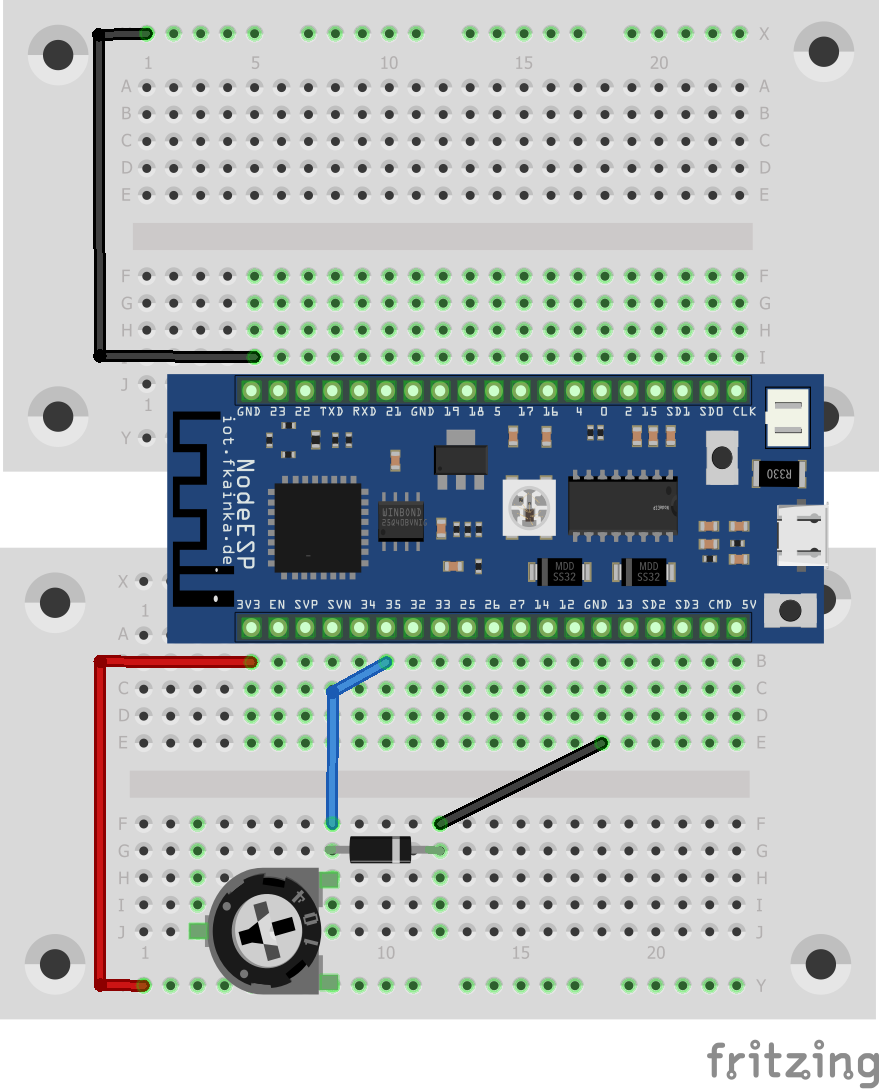
And today we have a small diode waiting behind the door. We are going to use the diode as temperature sensor for particular high temperatures and with it we will build a small candle guard. Breadboard Setup Today’s setup consists of the diode and the potentiometer, which we will use as a 10-kOhm resistor. This resistance is fixed and cannot be adjusted. The board will measure the voltage at the diode and sends the values to Node-RED via MQTT. ...

18.12.2018 · 1 min · Fabian Kainka

Day 17: Time-controlled Lights

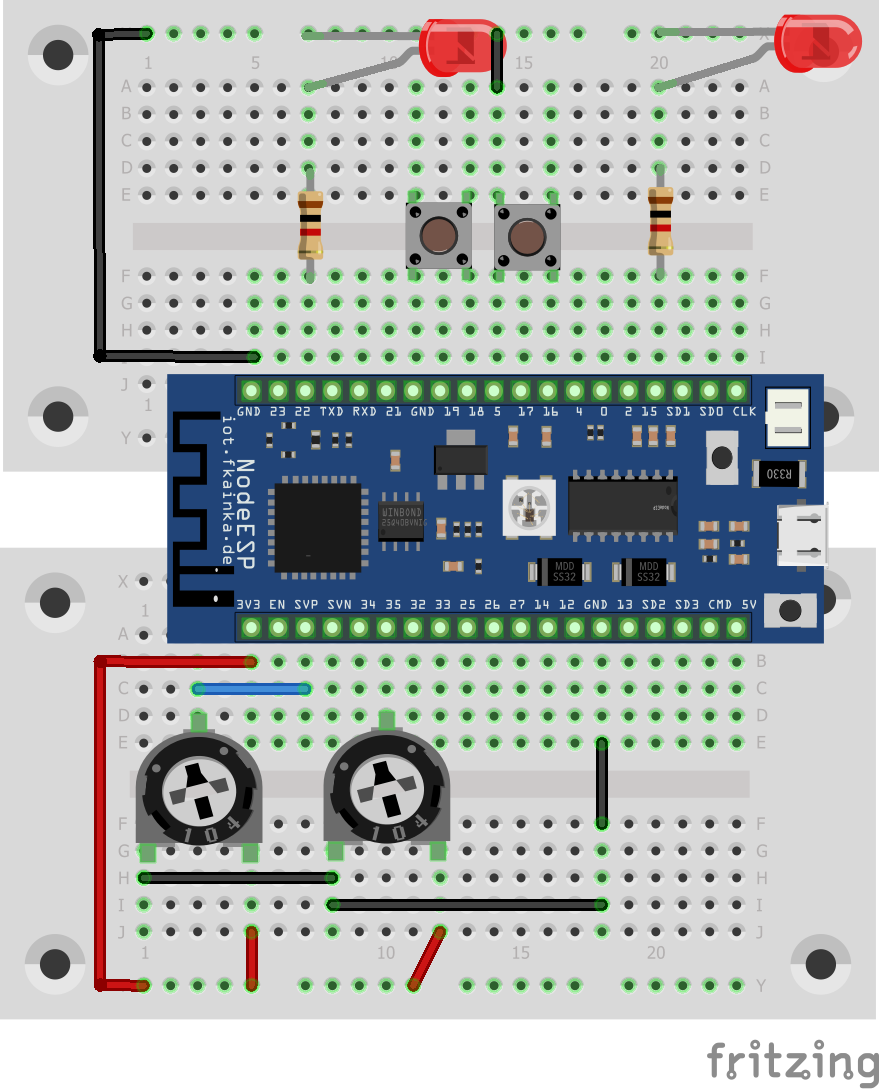
The door of day 17 reveals another potentiometer. Now we have one potentiometer for each LED and thus we will develop the program of Day 13, the Smart Lights, so that we will get a more convenient and intuitive dimming feature. We will also learn today how we can start timed events with Node-RED. Breadboard Setup Activate today’s program in the web interface. As always disable previous flows and change the MQTT topic to reflect your personal ID and then install today’s flow into the Node-RED environment. ...

17.12.2018 · 2 min · Fabian Kainka

Firmware Neuigkeiten und Bug Report

Auf dieser Seite sollen Neuigkeiten zur Firmware veröffentlicht werden. Bugs können über die Kommentarfunktion gemeldet werden. Neusete Version: Download Link Git Repository: https://github.com/FKainka/NodeESP_Firmware Firmware Update 05.12.2019 Bug Hotfix: Neue SD-Library störte PULLUP-Funktion von Pin 18, Keine SD-Karte an Versuchen mit Pin 18 verwenden! Firnware Update 04.12.2019 (Stabilitäts Update) ESP32 Arduino Core updated (v1.11.1) Verschiedene Libraries geupdatet Update Vorgang verbessert (md5-Hash) Config-Verbesert Diverse Bug fixes Firnware Update 17.10.2019 (Smarthome Update) Apps für das Smarthome Lernpaket hinzugefügt Onboard HTML-Editor zum Verändern der integrierten Webseite und Uploaden von Dateien hinzugefügt (http://nodeesp.local/editor) Automatische SD-Karten Unterstützung hinzugefügt (SD-Karten werden automatisch unter http://nodeesp.local/sd eingebunden) Bessere Vorabinformationen beim Auswählen von Apps über die Config-Seite Neues Update-Verfahren direkt vom GitHub-Repository aus (https://github.com/FKainka/NodeESP_Firmware) Bug Fixes Firmware Update 16.12.2018 (Version 2 - Mit MQTT Fix) Es gibt nun eine neue Version dieser Firmware, in der der MQTT-Bug behoben ist. Dieses Update kann auch über die Update-Funktion auf der Config-Seite geladen werden. Download Link ...

16.12.2018 · 1 min · Fabian Kainka