Day 18: Universal remote control

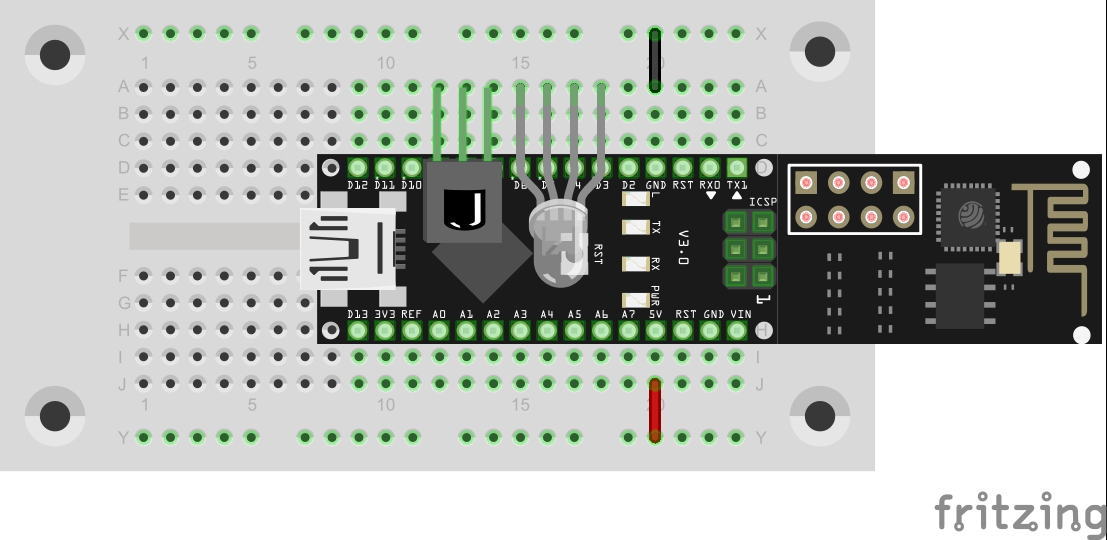
Yesterday, you built a receiver for infra-red remote controls. Today, you are building the remote control itself. More precisely, you will build a universal remote control that you can operate by computer or Smartphone and with which you can operate your TV or other devices whenever you misplace the original remote control. The IR-diode at Pin D3 For this project, you need the component behind today’s door: the IR diode. It looks like a simple LED, but it sends light in the invisible infra-red range. The IR-signals are visible to a digital camera, however. The structure of today’s experiment is shown in the figure. Don’t be surprised that the IR-LED is not given a dropping resistor. The effective dropping resistor is the On-resistor of the port, at approx. 30 Ohm. Because of this, the current through the diode is quite high, but the impulses sent are so short that the diode will not take damage. ...
18.12.2015 · 3 min · Fabian Kainka

Day 17: IR module

Today’s project permits controlling the controller by remote control. You can change the colour of the RGB-LED with buttons you can choose on an infra-red remote control, and change the background colour of the website right along with it. TheIR-Modul on Pins D7-D5 Behind today’s door, you will find the important part of today’s project, i.e. the infra-red receiver module. You can connect the module without a cable as shown in the figure below. The program sets the corresponding pins so that the module is supplied with power. ...

17.12.2015 · 2 min · Fabian Kainka

Day 16: GPIO Control

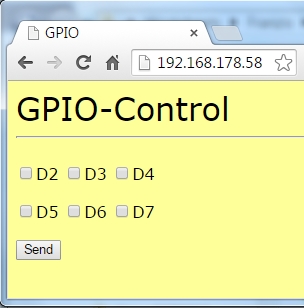
Today’s project permits simple control of the digital pins D2-D7 per website. The status of the respective pin is also presented on the website, so that you will never lose the overview. To review the condition of the pin well, a setup as in the following figure is recommended. Both the RGB-LED and the regular LED are used. The cathodes of the LEDs are now not connected to the long ground line on the outside of the board, but are also at a digital output. Only when these pins are switched low can the LEDs light up. ...

16.12.2015 · 2 min · Fabian Kainka

Day 15: Light sensor

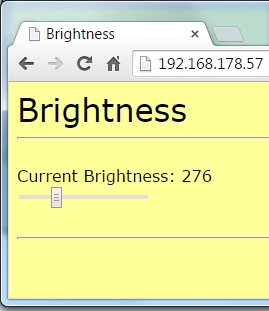
Today’s project does not use the web server’s website as a control interface, but as an output element. The brightness measured via a brightness sensor is displayed well-structuredly as a relative value. The fototranistor at Pin A0 Behind today’s door, there is another photo transistor that serves as a light sensor. The photo transistor looks like an LED, but should not be mistaken for one. The structure of today’s experiment is shown in the figure. The collector of the photo transistor is the shorter connection. It is applied to +5 V. ...

15.12.2015 · 2 min · Fabian Kainka

Day 14: Webserver for the RGB-LED

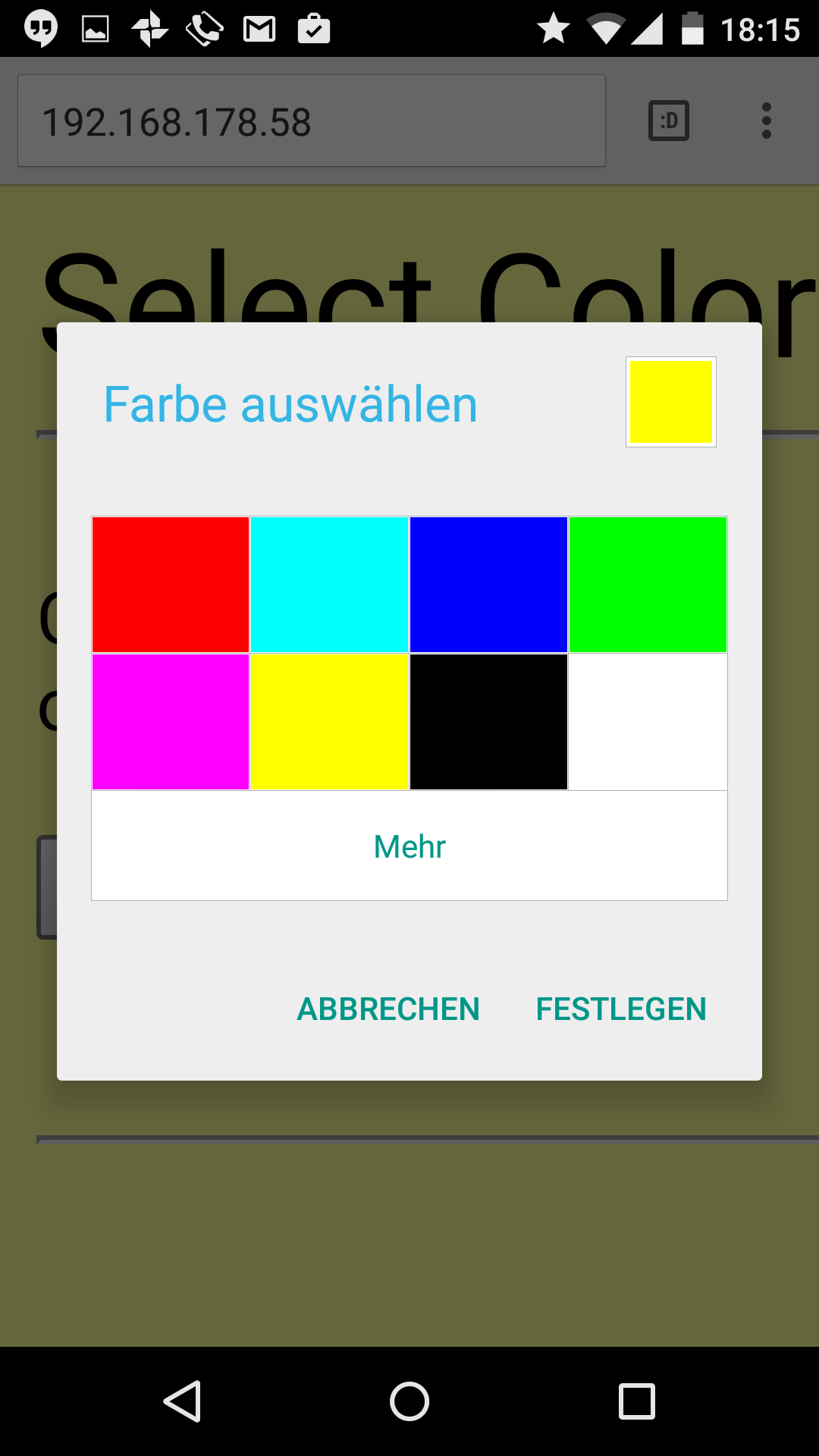
Today’s project is about controlling the RGB-LED by web server. A well-structured interface can be used to change the colour of the LED. The website has also been adjusted and should be easy to display even on Smartphones. The website on a PC browser Behind today’s advent calendar door, there is another resistor, but this one is of 10 kΩ (brown, black, orange). You will need it for tomorrow’s experiment. ...

14.12.2015 · 2 min · Fabian Kainka

Day 13: Website with buttons

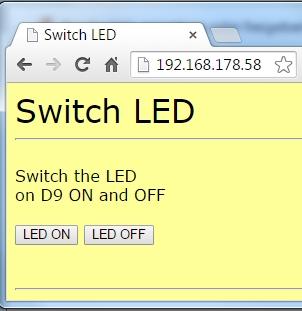
In today’s experiment, the illustration of the website is even more sophisticated. There are now also control elements that permit much more comfortable control of the LED. The 9V-batterie powers the board The structure of today’s experiment is no different from yesterday’s: An LED at pin D9, which can be controlled via the module. As an additional component, today’s door once again holds a resistor with 1 kΩ. If necessary, you can now reduce the brightness of an LED by switching two resistors in series. ...

13.12.2015 · 1 min · Fabian Kainka

Day 12: Autonomous webserver

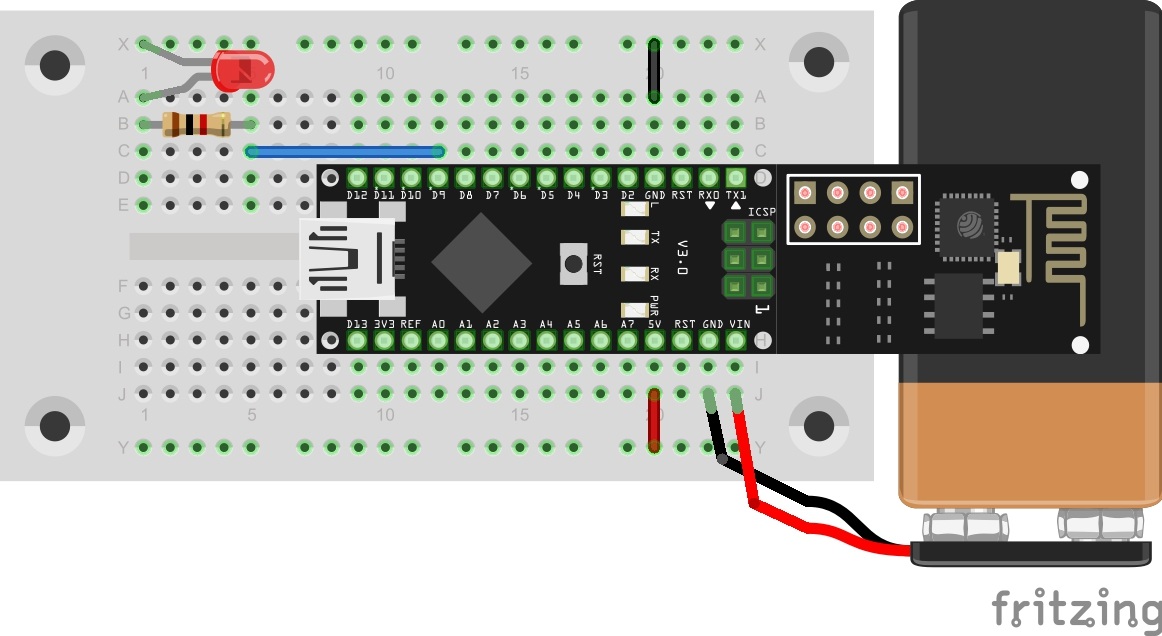
The results of yesterday’s experiment are now to be used in an autonomous program. Today’s program not only sends a simple website to the browser, but also permits control of an LED. The 9V-batterie powers the board Behind today’s door, you will find a 9-V battery clip that can make your board mobile. As an alternative, you may also use a Power Bank (a battery pack usually used for mobile phones). If you want to use the 9-V-battery, observe that the red wire must be connected to Vin, and the black one to GND. The figure shows the setup of today’s experiment with external power supply. ...

12.12.2015 · 1 min · Fabian Kainka

Day 11: TCP-Webserver

In the previous experiments, we dealt with the subject of TCP and access to web servers a lot. Today, the module is to act as a web server of its own for the first time. Behind the door of the 11th day, there is a special cable that will be very useful soon. A special setup is not necessary today, since the program works similarly to the serial monitor programme of day one. ...

11.12.2015 · 2 min · Fabian Kainka

Day 10: Temperature display

Today’s project is an intuitive display of the current temperature. With a single look, you can guess at whether it is sensible to take along a warm jacket. The RGB-LED on Pins D3, D5 and D6 Behind today’s door, there is another LED. This is a special one. It is an RGB-LED. RGB means Red, Green, Blue, the LED actually is made up of several LEDs with a shared cathode connection. A combination of the different colours with different brightnesses permits presenting almost any colour. The LED can be connected to the PWM outputs D3, D5, D6 of the controller with dropping resistors. ...

10.12.2015 · 2 min · Fabian Kainka

Day 9: TCP time

Today’s project uses the functions of the prior test to independently collect information from a website. The program specifically loads the current time from a dedicated website and thus sets the internal clock of the controller that is implemented by library. Behind today’s door, there is another resistor with 1 kΩ. All three resistors will be needed for tomorrow’s experiment. The program: Day9_TCPAutoTime While yesterday’s program still required mostly manual operation, today’s program works mostly autonomously. The controller connects to the website entirely independently: ...

09.12.2015 · 2 min · Fabian Kainka