Download Beispielprogramme

Auf dieser Seite finden Sie alle im Lernpaket vorgestellten Programme. Download Neuauflage: Alle Programme GitHub Repository: https://github.com/FKainka/Lernpaket-IoT Download Franzis Version: Alle Proramme Download Conrad Version: Alle Programme - Conrad Version Achtung: Es gab eine Änderung im Programm P12_TCPWeather. Der Webservice, den ich in diesem Programm verwendet habe, hat seinen Dienst eingestellt. Ich habe nun einen eigenen Service gestartet, der seine Daten von der Webseite http://www.openweathermap.com/ bezieht. Der Link zu dem neuen und auch in der neuen Version des Programms verwendeten Dienst lautet: ...
10.01.2020 · 1 min · Fabian Kainka

Everything about the NanoESP WiFi-Board

The Board The NanoESP board has many names. Franzis calls it Pretel Board and Conrad C-Controll IoT WiFi Board. But inside its is all the same: an easy-to-use and Arduino compatible development board in the context of the Internet of Things. By simple AT commands you can e. g. launch a Web server, set the module as an access point or establish connection with your home network. Board Features: • Arduino™ compatible • Integrated TCP/IP stack, activatable TCP/UDP server • Control of the WLAN module by simple AT commands • Suitable for WLAN & the module can be used as an access point ...

21.08.2019 · 1 min · Fabian Kainka

NanoESP Updaten

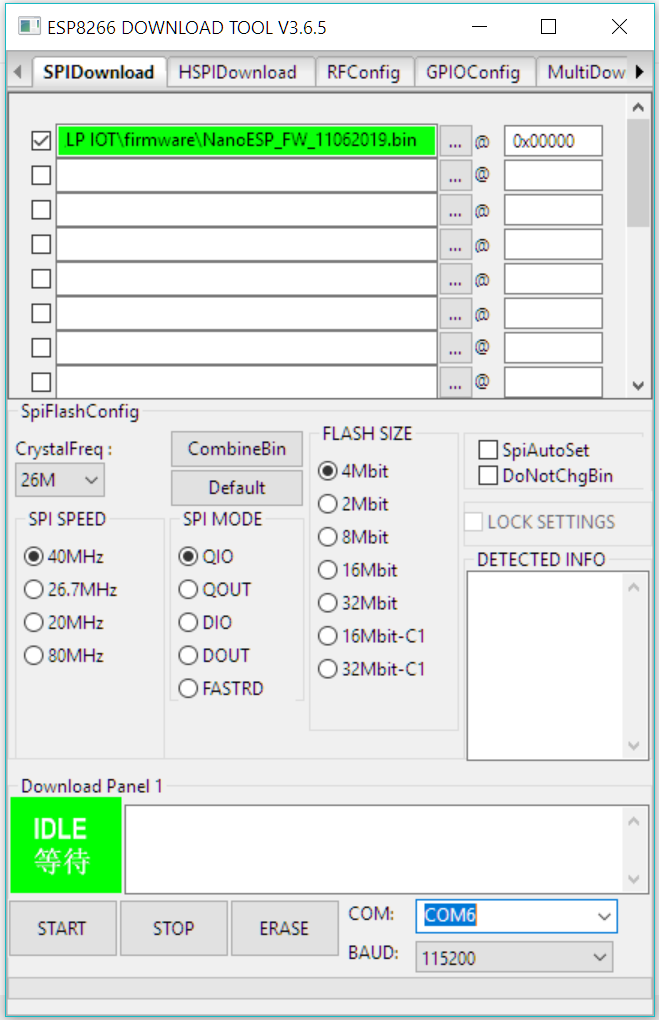
Das NanoESP-Board, auch als Pretzelboard bekannt, ist nun schon vor einer ganzen Weile erschienen. Dennoch bekomme ich immer noch Mails von Leuten, die Hilfe benötigen oder Fragen haben. Zuletzt erreicht mich eine Mail mit der Frage, ob man die Firmware des ESP8266 Chips auf einen neueren Stand bringen könnte. Der für das WLAN zuständige Mikrocontroller hat eine AT-Firmware aus dem Jahre 2015 und mittlerweile gibt es verbesserte Versionen der AT-Firmware. Das Problem ist allerdings, dass der Flash-Speicher Chip, auf dem sich die Firmware zum ESP-Controller befindet, nur eine Kapazität von 4 Mbit (also 512 kB) hat und deswegen nicht mit allen neueren Firmware Versionen kompatibel ist. Dennoch habe ich nach einigem Recherchieren eine Firmwareversion gefunden, die kompatibel ist und zudem neue Möglichkeiten bereitstellt. Deswegen finden Sie hier eine Anleitung, wie Sie das Board updaten können. ...

21.08.2019 · 6 min · Fabian Kainka

das-lernpaket-iot

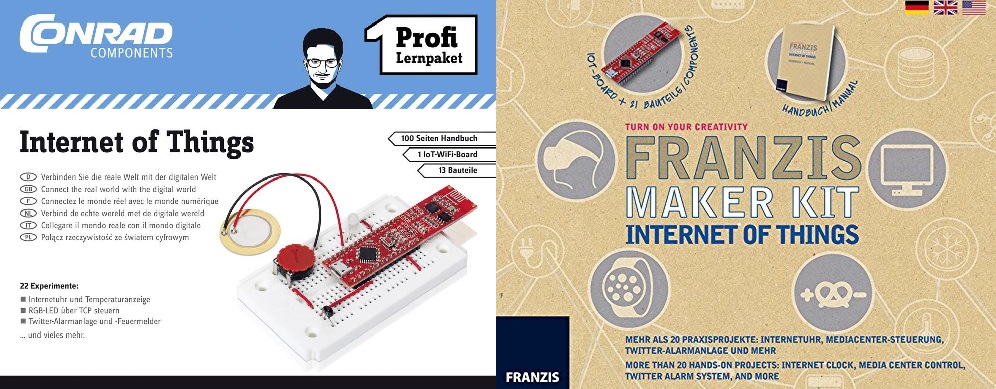
Sie können das Lernpaket unter anderem hier erwerben: Direkt bei Franzis Bei Amazon.de Bei Elektor Bei Conrad Das Lernpaket Internet of Things gibt es in mehreren Ausführungen. Es gibt eine Franzis und eine Conrad Version. Beide Lernpakete bringt Ihnen das brandaktuelle Thema IoT anhand von praktischen Beispielen mit ausführlichen Erklärungen näher. Teil des Pakets ist das neue Pretzel Board (NanoESP) mit dem der Einstieg in das komplexe wie spannende Thema spielerisch gelingt. ...

20.09.2017 · 1 min · Fabian Kainka

The Conrad advent calendar Internet of Things

Conrad Shop Christmas to arrive. The Arduino compatible microcontroller with integral WLAN module (Pretzelboard) and the included components are perfectly suited for 24 themed, diverse and exciting experiments. Internet of Things includes the communication and control of sensors and actuators in a large network. The various aspects of the IoT theme are explored in practice by using simple examples starting from simply switching an LED on or off with a smartphone, the creation of a Web server or the long-term monitoring by means of sensors. All circuits are put up on a pinboard; no soldering is required. ...

20.09.2017 · 2 min · Fabian Kainka

der-conrad-adventskalender-iot-2016

Shorten the waiting time for Christmas with exciting and enjoyable experiments done with the Internet of things. Thereby send push messages on your smartphone or build an alarm system with a motion sensor that informs you of suspicious movements. Learn how to use various web services, such as Twitter, and use the protocol for the Internet of things: MQTT. The Internet-of-things advent calendar contains all construction pieces for 24 experiments, including a uniquely developed hardware board with integrated WLAN-module which can be progammed via the free Arduino IDE. ...

08.09.2017 · 2 min · Fabian Kainka

Day 24: Gift box

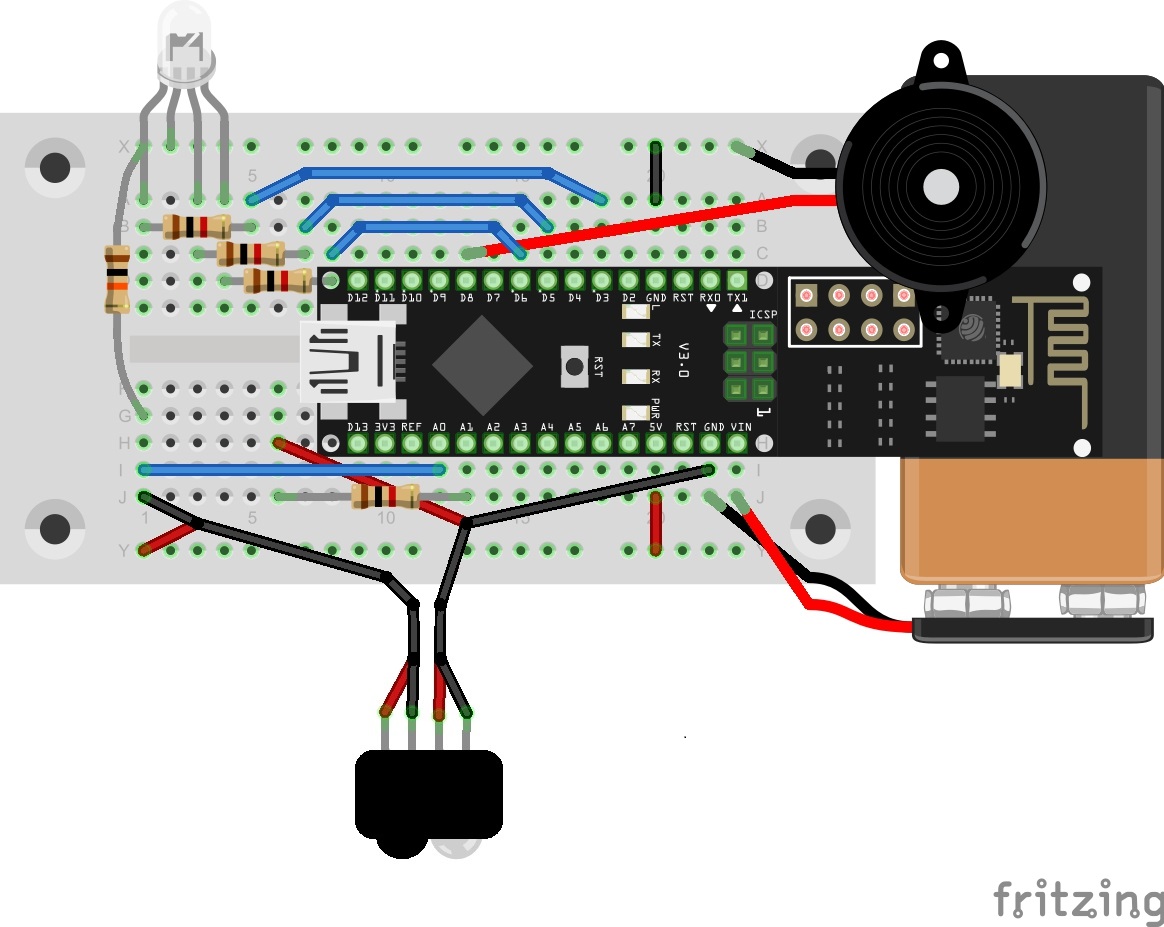
With the last test in this Advent, we get really Christmasy. We’re building a reusable gift box with which you can delight your relatives. Every time someone opens the present, the contents are lit up in an individual colour, and a Christmas sound plays. Behind today’s door is a retro-reflective sensor. This is actually two components, an IR transmitter diode and a phototransistor. It’s not very easy to see which way the elements have to be connected in terms of polarity. For this reason, it’s best if you connect the photoelectric sensor with the connection cables according to the example shown. Then you won’t be able to switch the polarity as easily. ...

24.12.2016 · 6 min · Fabian Kainka

Day 23: MQTT Climate

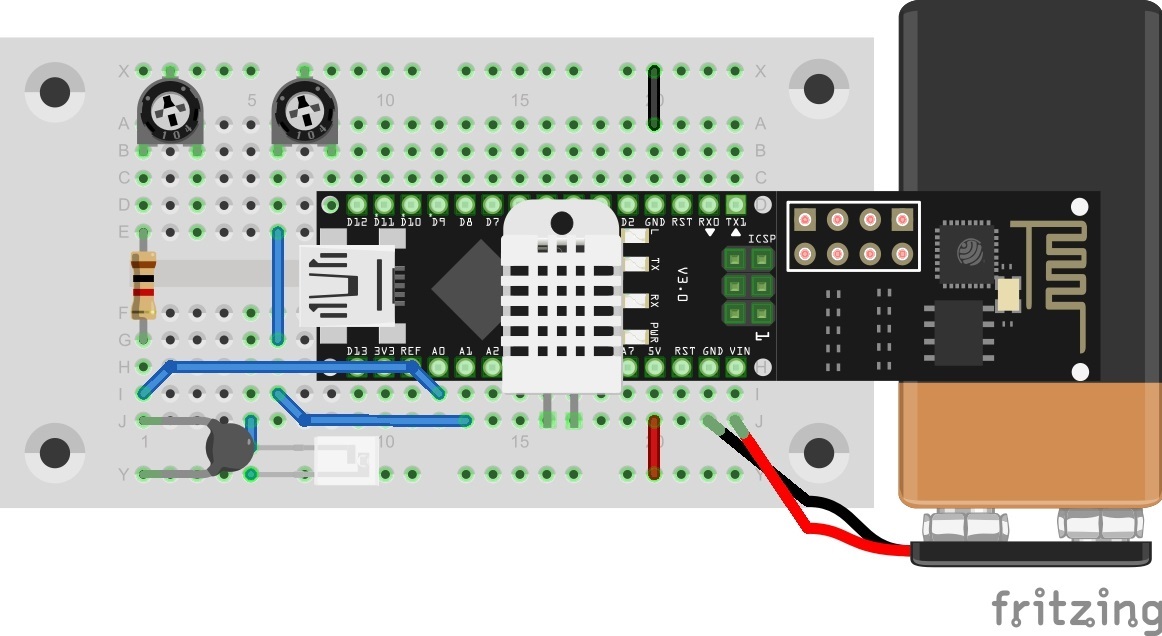
Behind the door for today is a battery clip for a 9 V block, with which you can make the entire system moveable. An alternative to a battery is a power bank (a rechargeable battery pack, normally for mobile phones). You can see in today’s layout picture how to connect a 9 V battery correctly. This is how you can connect a 9 V battery to today's layout Climate data should be captured again today. But this time they are published through the MQTT broker and are thus accessible worldwide. The data could thus be called up via a plug-in and stored in a database. ...

23.12.2016 · 5 min · Fabian Kainka

Day 22: MQTT Cheerlights

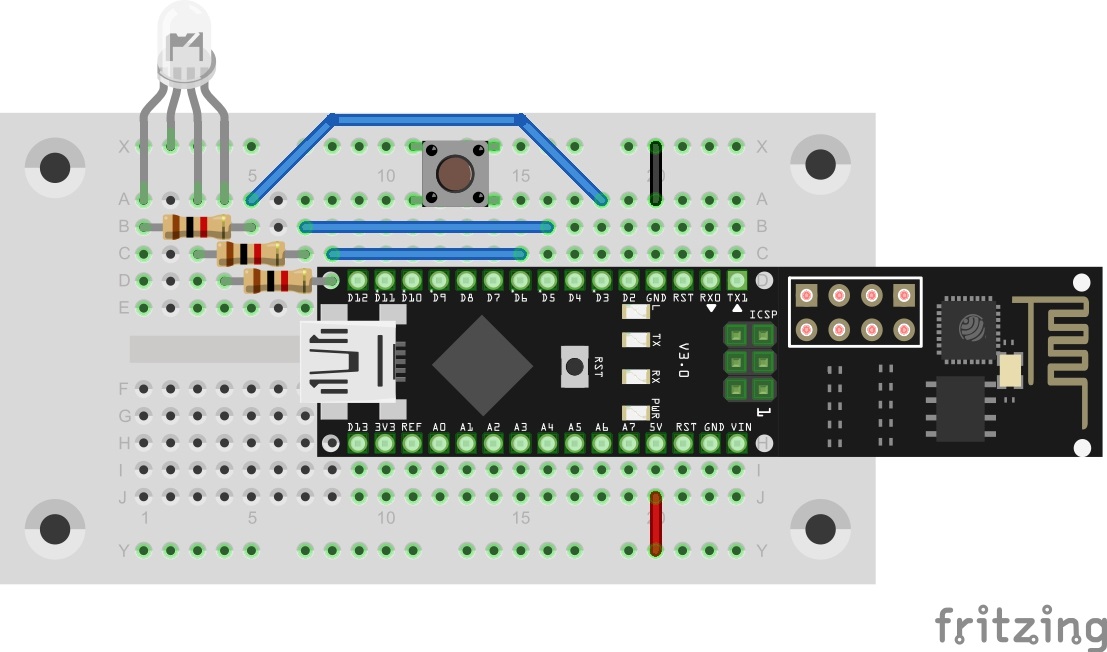
Today’s trial is about MQTT and a global project that was presented last year: the Cheerlights Project by Hans Schaaler. For everyone who doesn’t know the project: It’s about globally networked coloured lights that can be simultaneously controlled through Twitter commands. Another version of this project was part of last year’s Advent calendar. This year we have the version with MQTT and expanded functions. Behind today’s door is a 1-kohm resistor. The layout consists of the RGB LED with series resistors and a button. ...

22.12.2016 · 6 min · Fabian Kainka

Day 21: House automation

In today’s test, we’ll illuminate the characteristics and possibilities of MQTT in more detail by creating a practical scenario. In the example, there is a building with two rooms, each of which has a light switch, a light and an alarm sensor. The light switch switches the light of the respective room on or off. The alarm sensors activate a building-wide alarm. Normally, seven different devices would be used here, which are all connected to each other through an MQTT broker. But since we probably have only one NanoESP, this will simulate all devices. For this reason, today’s layout looks somewhat complicated. The LED D3 is used today as the second light. Therefore, today it won’t show you whether you’re connected to the WLAN. The tilt sensors are used on the extension cables as alarm sensors. A person could, for example, attach them to doors or windows so that they trigger an alarm if the entry opens. Behind today’s door is the second sensor. ...

21.12.2016 · 5 min · Fabian Kainka